Skip to content

You see a stunning, intricately laser-cut greeting card and admire the artistry. But as a production manager, your next thought is practical: "How much did the die for that design cost?" You know that for every unique, complex card, there's a steep tooling investment and the risk of being stuck with expensive, useless inventory if the design doesn't sell. This high upfront cost boxes you into safe, mass-market designs and locks you out of the growing trend toward personalization.
The real reason lasers are transforming the greeting card industry isn't just their ability to create intricate designs. The true disruption is economic: laser cutters completely eliminate the need for physical die tooling. By working directly from a digital file, they reduce the setup cost for a new design from hundreds or thousands of dollars to virtually zero. This unlocks a new business model of profitable short runs and on-demand mass customization.
I remember talking with a manager at a stationery company a few years ago. They had invested over $5,000 in a set of steel rule dies for a seasonal holiday card. Unfortunately, their market forecast was wrong, and the design sold poorly. They were left with a heavy, expensive set of tools gathering dust on a shelf—a perfect representation of sunk cost. I explained that a laser cutter turns that physical tool into a weightless digital file. Had they used a laser, their "tooling cost" would have been the hour an artist spent on the design file, and they could have produced cards on-demand, completely avoiding the inventory risk. This is the revolution. Let's explore how it works.
Why is laser cutting greeting cards destined to become a trend?
You see the beautiful, complex cards in high-end shops and assume it's a niche, expensive fad. It seems too complex and delicate for mainstream, high-volume production. You wonder how any company can justify the cost of creating so many intricate designs, each requiring a unique tool. This doesn't seem like a sustainable business model for a trend.
Laser cutting is becoming a dominant trend because it fundamentally changes the manufacturing economics. The "trend" isn't the aesthetic itself, but the profitable business model it enables. By removing the need for expensive, slow-to-produce physical dies, lasers empower businesses to offer endless variety and personalization with zero tooling cost and minimal inventory risk. This agility is what's truly trending in modern manufacturing.
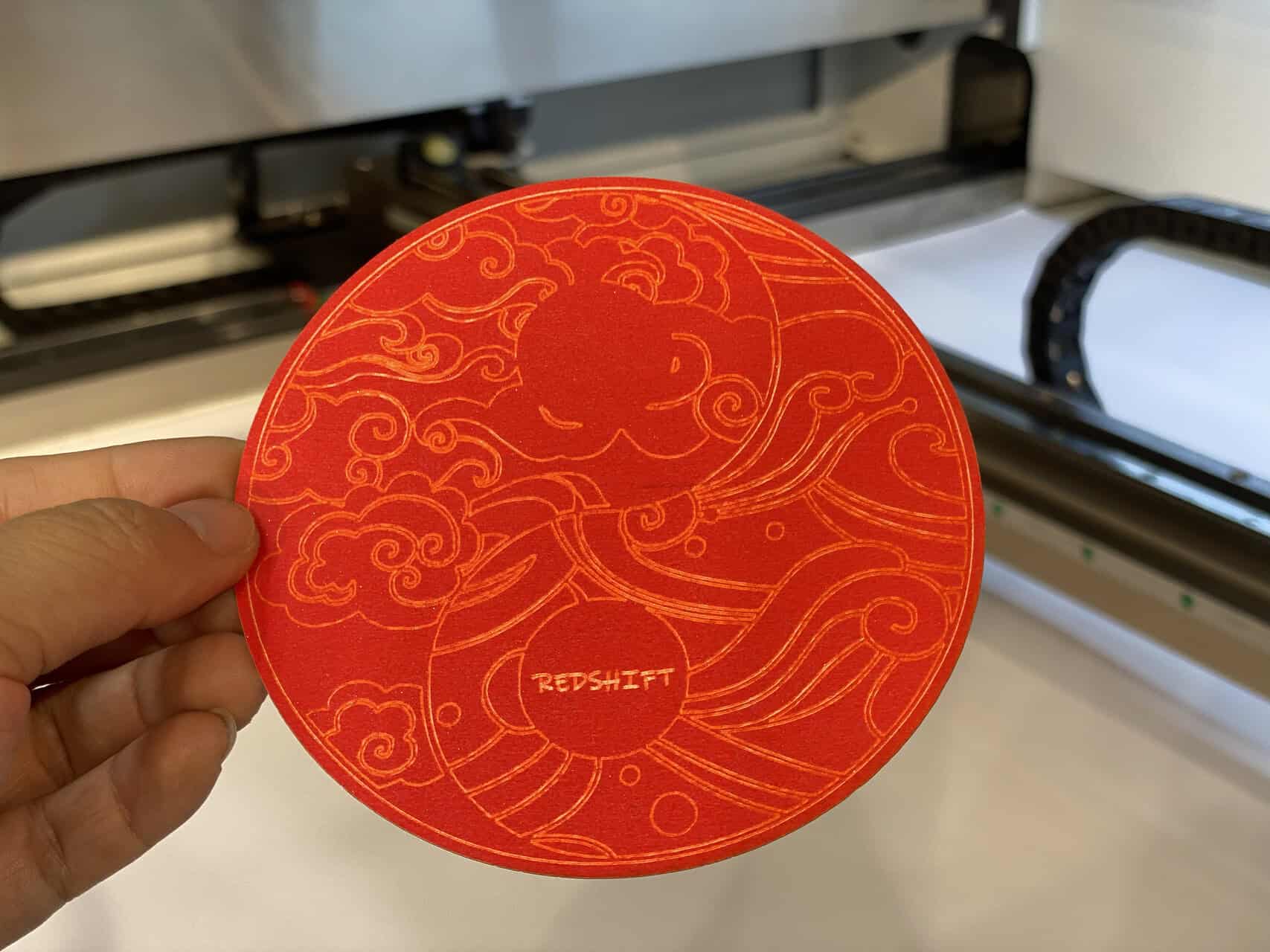
For a manager like John, who manages budgets and supply chains, the term "die-less" is far more exciting than "intricate design." Here’s a breakdown of the core economic shifts.
1. Elimination of Tooling Costs
A traditional steel rule die for a complex greeting card can cost anywhere from $300 to over $1,000. This is a required, non-refundable investment for every single new design. A laser cutter uses a vector file (like a PDF or AI file) as its "tool." The cost to create this digital tool is negligible, and it can be edited instantly.
2. Speed to Market and Prototyping
Getting a physical die made can take days or even weeks. With a laser, you can go from a completed digital design to a finished physical prototype in minutes. This incredible speed allows your business to react instantly to market trends, test new ideas without financial risk, and offer custom samples to clients on the same day.
3. Unlocking Mass Customization
Because there are no physical tooling costs, producing a batch of 100 cards, each with a unique name or design element, is just as easy as producing 100 identical cards. This opens up entirely new, high-margin markets like personalized wedding invitations, corporate event cards, and on-demand customer orders that were simply impossible to serve profitably with a die-based workflow.
Traditional vs. Laser: A Production Manager's View
| Metric | Traditional Die-Cutting | Modern Laser Cutting |
|---|---|---|
| Setup Cost | High ($300 - $1,000+ per design) | Zero |
| Minimum Order (MOQ) | High (to justify die cost) | One |
| Design Flexibility | Low (changes require new die) | Infinite (instant digital edits) |
| Prototyping Lead Time | Days to Weeks | Minutes |
What is a Paper Laser Cutting Machine?
You're familiar with large, industrial laser cutters for metal, and you're wondering if these are the same massive, high-power machines. You need a solution that fits a workshop or small factory, not a heavy industrial plant. You're concerned about complexity, safety, and whether such a powerful tool is overkill for something as delicate as paper.
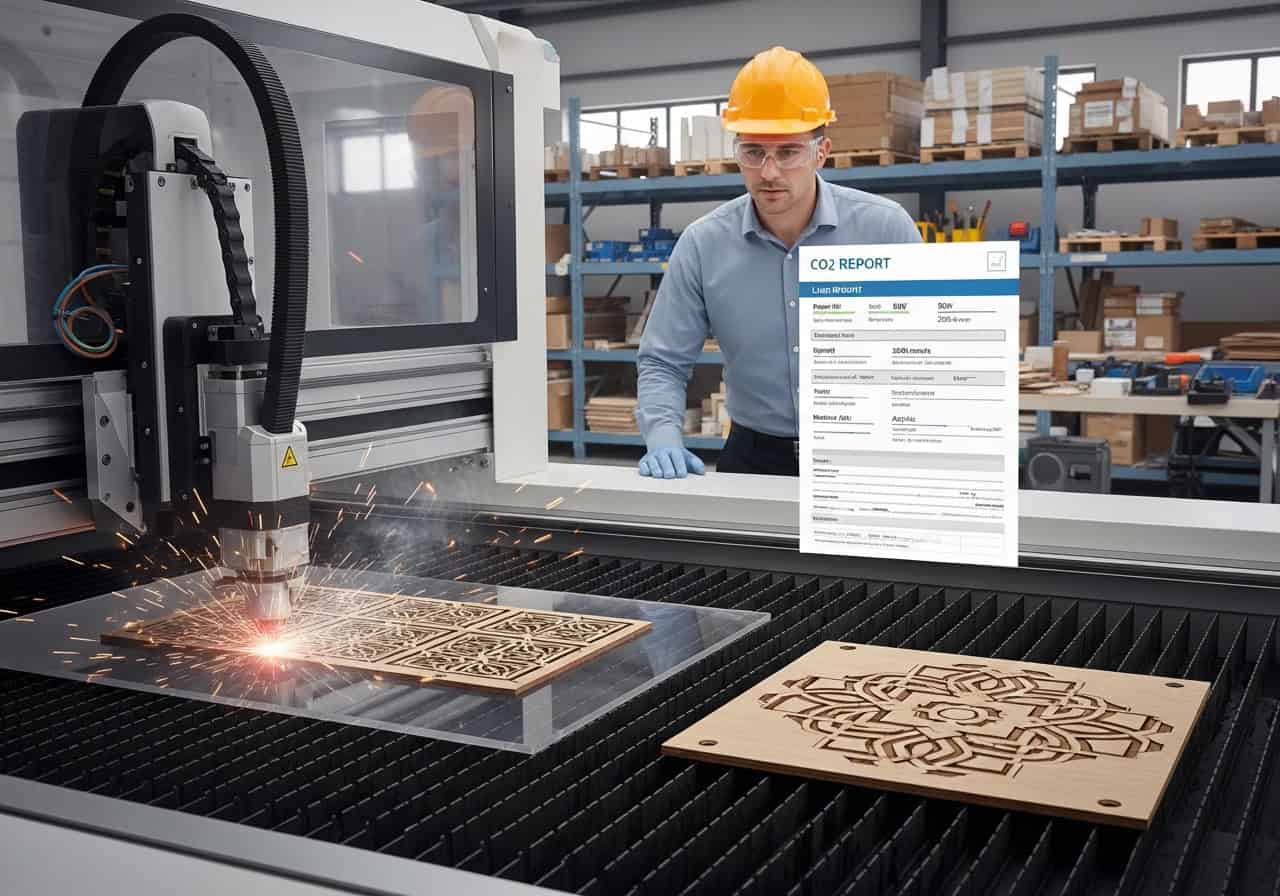
A paper laser cutting machine is a specific type of laser system optimized for thin, organic materials. It uses a lower-power CO2 laser source, which is ideal for cutting and engraving paper, cardstock, wood, and acrylic without requiring the extreme energy of a metal-cutting fiber laser. These machines are designed with high-speed, lightweight motion systems to execute fine details quickly and precisely, making them a perfect fit for a clean production environment.
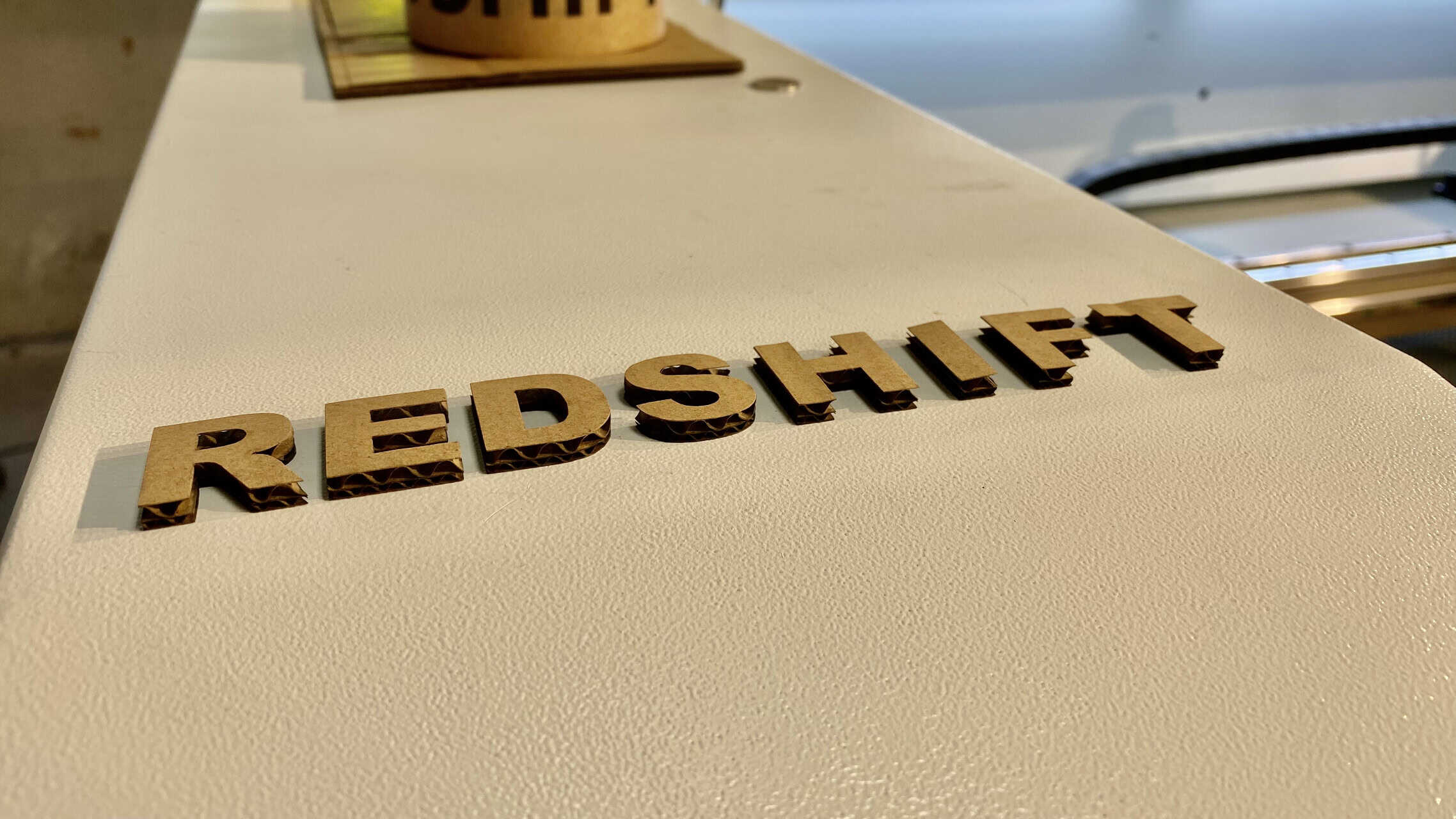
Understanding the machine helps you make a better purchasing decision. It's not a single "black box," but a system of components working together.
1. The Laser Source: CO2
For paper, wood, and acrylics, a CO2 laser is the industry standard. It emits a wavelength of light that is readily absorbed by organic materials, allowing it to vaporize the paper cleanly for a cut, or engrave the surface with less power. Power levels for paper cutting typically range from 40 to 100 watts.
2. The Motion System (Gantry)
This is the heart of the machine's precision. A system of belts or lead screws moves a mirror-and-lens assembly (the "laser head") over the paper. A high-quality gantry system is crucial for creating smooth curves and sharp corners at high speed without vibrations that would distort the cut.
3. The Work Area and Bed
The machine bed is where you place your material. For paper, a "honeycomb" style bed is common. It provides a flat, stable surface while allowing smoke and debris to be pulled away from underneath by an exhaust fan. This is critical for preventing burn marks on the back of the card. The size of the bed determines how many cards you can batch in a single job.
Choosing the Right Tool for the Job
| Laser Type | Best for... | Why it's the right choice for paper |
|---|---|---|
| CO2 Laser | Paper, Wood, Acrylic, Fabric | The wavelength is absorbed well by organic materials, ensuring a clean, vaporized cut rather than melting. |
| Fiber Laser | Metals, some plastics | The wavelength reflects off paper and is designed for much harder, denser materials. It's the wrong tool for this job. |
What are the key features and advantages?
You understand the core economic benefit of no-die-tooling, but what are the other practical advantages on the factory floor? You're looking for tangible features that translate into higher quality products and a smoother workflow. It can't just be about cost; it has to be about operational excellence as well.
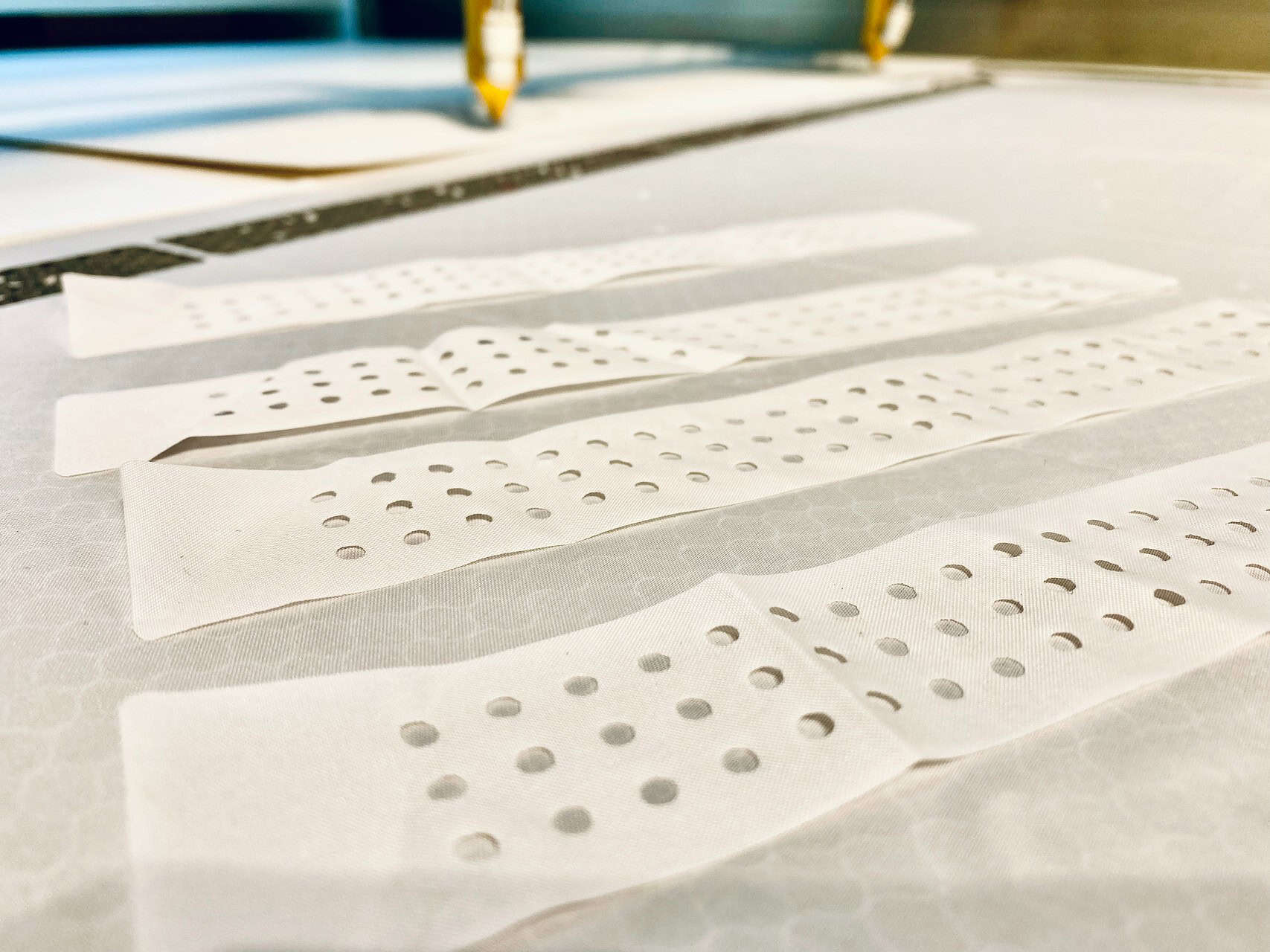
Beyond the elimination of tooling costs, the key advantages are unmatched precision and product quality. A laser can cut details far too small or complex for a physical die, like micro-perforations or intricate filigree. It also delivers a perfectly clean, sealed edge with no paper dust or fraying. Furthermore, features like integrated cameras allow for perfect alignment of cuts with pre-printed graphics, a critical requirement for professional greeting cards.
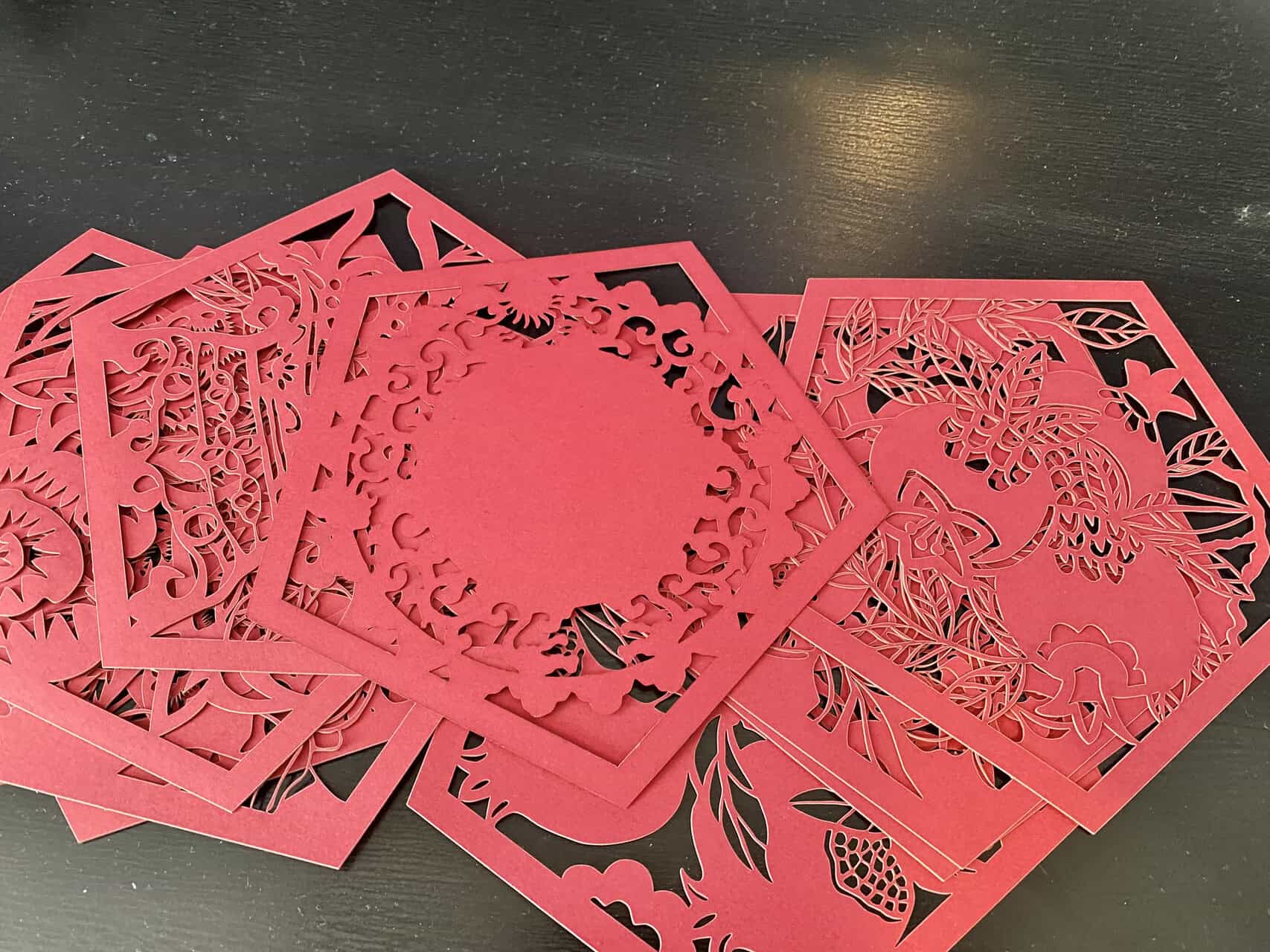
These are the features that a seasoned manager like John will appreciate because they solve real production problems.
1. Non-Contact Cutting
Unlike a die, which physically stamps the paper and can cause bruising or deformation, a laser cuts with a focused beam of light. There is no physical contact. This means even the most delicate paper stocks can be cut without any stress or damage, resulting in a higher quality finished product.
2. Extreme Precision and Detail
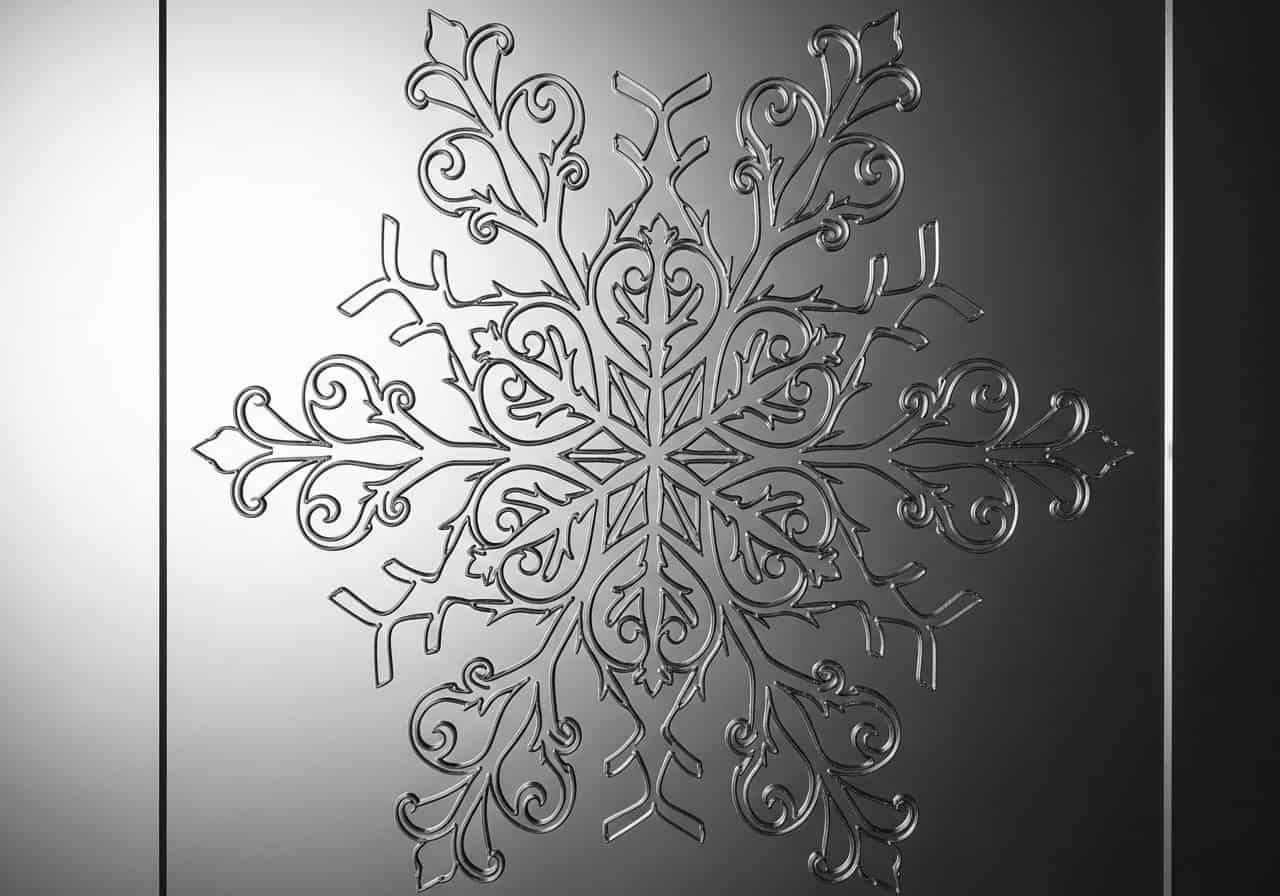
A laser beam can be focused to a point smaller than a human hair. This allows it to create stunningly intricate patterns, sharp internal corners, and flowing curves that are physically impossible to manufacture with a steel rule die. This opens up a new world of design possibilities.
3. Print-and-Cut with Camera Registration
This is a game-changer for professional work. Many greeting cards have printed graphics. A laser system with a camera (also known as a vision system) can identify printed "registration marks" on the sheet. It then automatically adjusts the cutting path to align perfectly with the printed image, guaranteeing that every cut is exactly where it needs to be, eliminating waste from misalignment.
4. Engraving and Cutting in One Process
A laser doesn't just cut; it can also engrave. By reducing its power, the laser can lightly etch text, textures, or images onto the surface of the paper. This allows you to combine cutting and decorative engraving into a single, automated step, further increasing creative options and production efficiency.
How do you choose a paper-cutting laser machine?
You're convinced of the benefits, but now you face the challenge of procurement. The market is full of options, from desktop hobby machines to industrial systems. You need a clear set of criteria to evaluate potential suppliers and select a machine that delivers reliability, support, and a solid return on investment for your professional operation.
Choosing the right machine involves looking beyond the price tag and focusing on professional-grade features. Prioritize a machine with a reliable CO2 laser source from a reputable brand, a rigid and precise motion system, and a work area large enough for your production needs. Most importantly, evaluate the quality of the software and the level of technical support offered by the supplier. A good machine with poor support is a bad investment.
As a purchasing manager, you need a systematic way to compare options. Here are the four pillars of a good decision.
1. Machine Build Quality and Components
Don't just look at the wattage. Ask about the brand of the laser tube (like Reci or Coherent). Check if the motion system uses high-quality linear guides and stepper or servo motors. A sturdy, welded steel frame is better than a bolted aluminum one, as it reduces vibration and maintains accuracy over time.
2. Software and Ease of Use
The machine is only as good as the software that runs it. Is the software intuitive? Does it import standard file types (AI, DXF, PDF) easily? Look for software like LightBurn or RDWorks, which are industry standards. A good user interface will reduce training time and operator error.
3. Safety and Fume Extraction
Cutting paper creates smoke. A professional machine must have a robust fume extraction system to protect your operators and keep the machine's optics clean. Ensure the machine has safety interlocks on all access doors, which automatically shut off the laser if opened during operation. This is non-negotiable.
4. Supplier Reliability and Support
This may be the most important factor. Has the supplier been in business long? Can they provide references? What is their warranty policy1? Do they offer installation, training, and ongoing technical support2? A cheap machine from a reseller with no support can quickly become a very expensive paperweight. As I've learned from my 5 years at Redshift Laser, a strong partnership is key to success.
Conclusion
While the beautiful designs of laser-cut greeting cards are what catch the consumer's eye, the real revolution is happening on the production floor. The shift from expensive, slow, and rigid physical dies to fast, flexible, and cost-free digital files is fundamentally changing the business. For a production or purchasing manager, embracing laser technology is not about adopting a creative fad. It's a strategic decision to build a more agile, responsive, and profitable manufacturing operation capable of meeting the modern demand for customization and variety head-on.
FAQs
Q1: What is the biggest advantage of using a laser for greeting cards over traditional die-cutting?
A: The single biggest advantage is economic: the complete elimination of die tooling costs. Traditional methods require a new, expensive physical die for every design. A laser cutter uses a digital file, reducing setup costs to zero and allowing for profitable short runs and personalization.
Q2: We already have die-cutting machines. Why should we invest in a laser?
A: A laser doesn't just replace your die-cutter; it unlocks new business opportunities. Use it for prototyping new designs in minutes, fulfilling small-batch or personalized orders for high-margin clients, and testing market trends without the financial risk of creating a physical die.
Q3: Isn't a laser cutter much slower per piece than a die-press for mass production?
A: For very large runs of a single, unchanged design (e.g., 50,000+ units), a die-press is faster per piece. However, the laser cutter's "total production time" (from design to finished product) is vastly superior for short to medium runs because it completely skips the weeks-long die creation and setup process.
Q4: Can a laser handle pre-printed cardstock without messing up the alignment?
A: Yes, this is a key feature. Professional-grade laser systems use a "Vision System" or integrated camera. The camera identifies printed registration marks on the cardstock and automatically adjusts the cutting path to ensure perfect alignment between the printed graphics and the laser cut.
Q5: What kind of laser machine do I need for paper? Is it the same as a metal cutter?
A: No, you need a different type. For paper, cardstock, and other organic materials, you need a CO2 laser machine. These use a lower power and a different wavelength than the fiber lasers used for metal, ensuring a clean cut by vaporizing the material rather than melting it.
Q6: What power level of CO2 laser is best for greeting cards?
A: You don't need extremely high power for paper. A laser source in the 40W to 100W range is ideal. This provides more than enough power to cut through thick cardstock cleanly while also giving you the fine control needed for delicate surface engraving.
Q7: Will the laser burn the edges of the paper?
A: When calibrated correctly, a laser cut on paper should show minimal to no burning or "browning." This is achieved with a combination of the right power/speed settings and a strong air-assist system that blows away smoke and heat from the cut edge instantly.
Q8: How does a laser cutter handle the dust created from cutting paper?
A: Unlike die-cutting, which can create paper dust, a laser vaporizes the material. The byproducts are smoke and fumes, not dust. A robust fume extraction system is essential to pull these fumes away from the work area, ensuring clean cuts and a safe operating environment.
Q9: Can I cut and crease/score with the same laser machine?
A: Yes. By using a very low power setting, the laser can "kiss-cut" or engrave a fine line onto the cardstock to create a perfect fold line (a score). This allows you to combine intricate cutting and precise creasing into a single automated process.
Q10: Besides the machine, what is the most critical factor for success?
A: The reliability and support of your supplier. A good supplier provides comprehensive training, responsive technical support, and has a proven track record. A cheap machine without a strong support network is a significant business risk. Always prioritize the partnership over the price tag.