Skip to content

As a purchasing manager in the apparel industry, you're constantly fighting the bottlenecks of traditional patch production. You see the high tooling costs and long lead times for custom steel dies, making small, high-customization orders barely profitable. You're looking at laser cutters as a potential solution, but you likely view them as just a faster, more flexible die-cutter. This perspective means you are missing the most profound advantage the technology offers—an advantage that revolutionizes the entire production workflow.
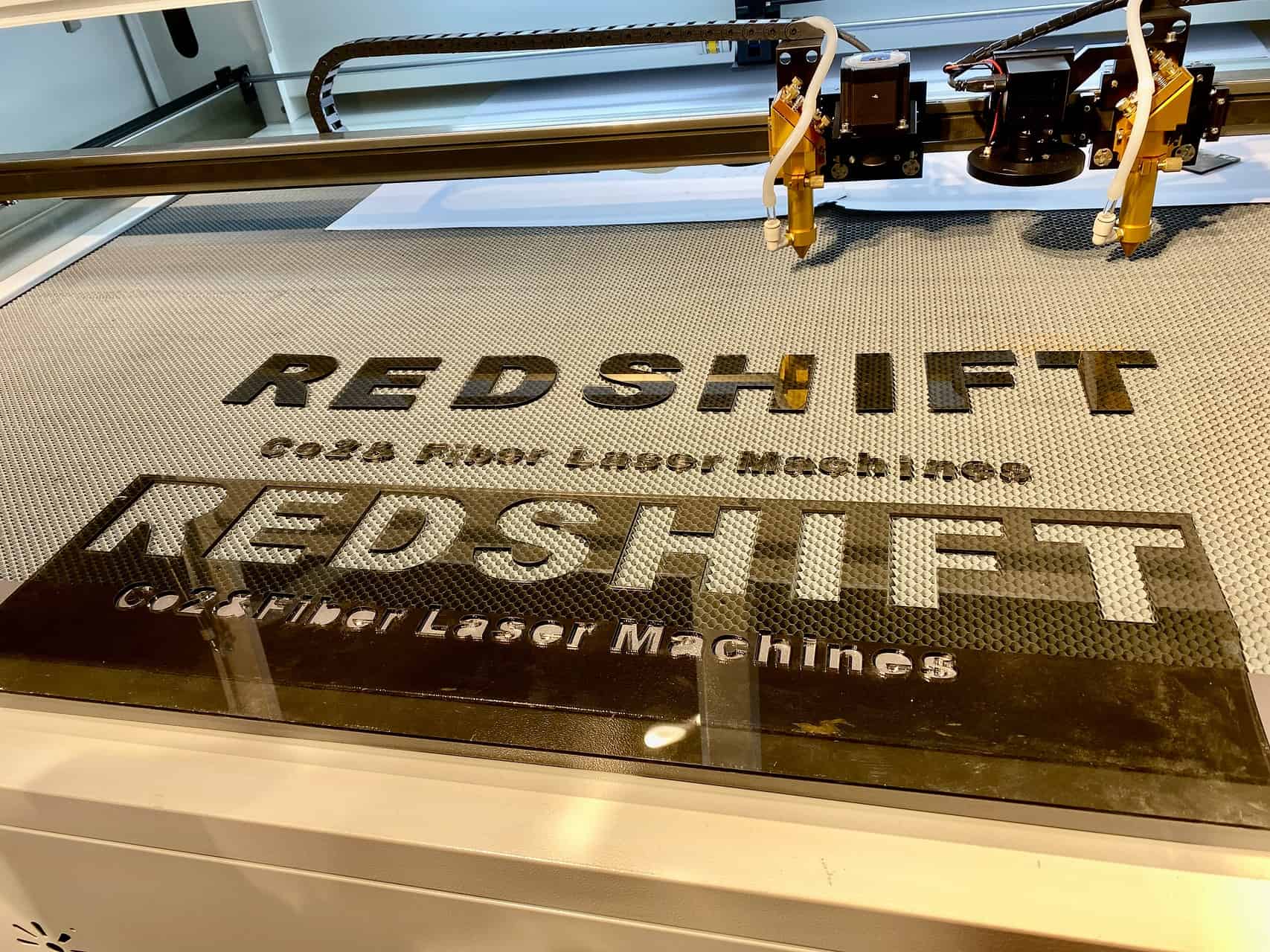
A laser is a complete manufacturing solution, not just a cutting tool. Its true value is in process consolidation. A single machine can engrave fine details, through-cut the patch outline, and perform a "kiss-cut" on the adhesive backing in one seamless operation. This eliminates the cost and lead time of die tooling, the primary bottleneck for the short-run, high-customization orders that now dominate the market, turning them from a headache into your most profitable business.
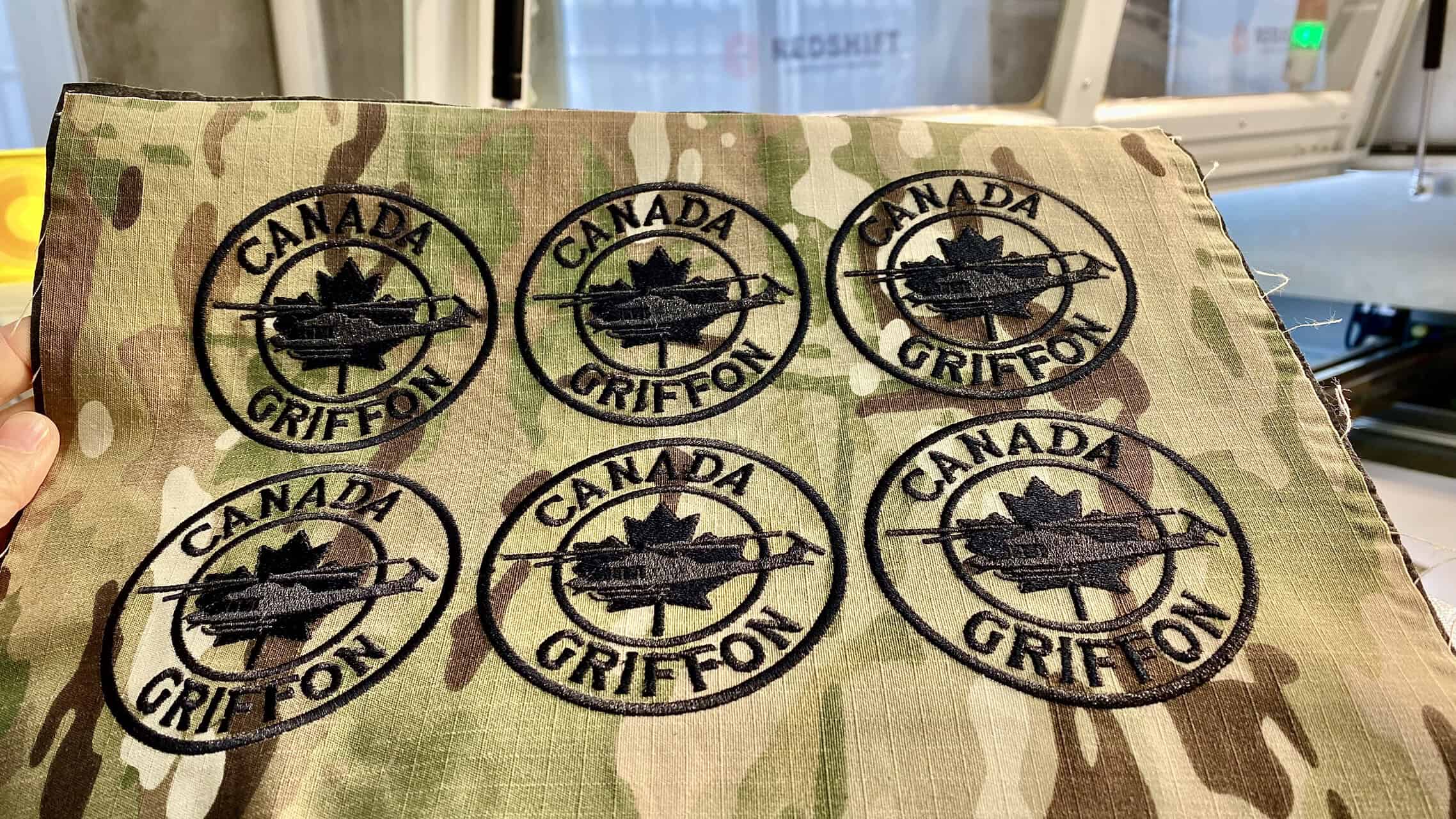
I'll never forget a client who managed production for a major promotional products company. His team was drowning in tooling costs. For every new event or client logo, they had to order a new steel die, wait weeks for it to arrive, and then store it forever. He initially called me to ask about the cutting speed of our lasers. I told him that was the wrong question. I asked him instead, "What if you could eliminate the dies, the die-press, and the separate adhesive application step?" When I showed him a single laser pass that produced a fully prepared, peel-and-stick patch from a digital file, he understood. He wasn't just buying a cutter; he was buying a whole new, more agile business model.
Why Is Laser Technology More Than Just a Cutting Tool?
You're used to a factory floor where every step is a different machine and a different process. You have a station for cutting, maybe another for embroidery or printing, and another for applying adhesive. This assembly-line approach is rigid and inefficient for small, custom jobs. It's choked by tooling and setup times, making it impossible to react quickly to customer demands.
Laser technology is more than a cutting tool because it consolidates multiple production stages into a single, digitally-controlled step. It replaces the need for separate physical dies, presses, and application stations. This seamless integration of tasks like detailed engraving and kiss-cutting the backing material provides unparalleled agility. It transforms your workflow from one based on physical tooling to one based on instant digital designs, which is essential for today's high-mix, low-volume market.
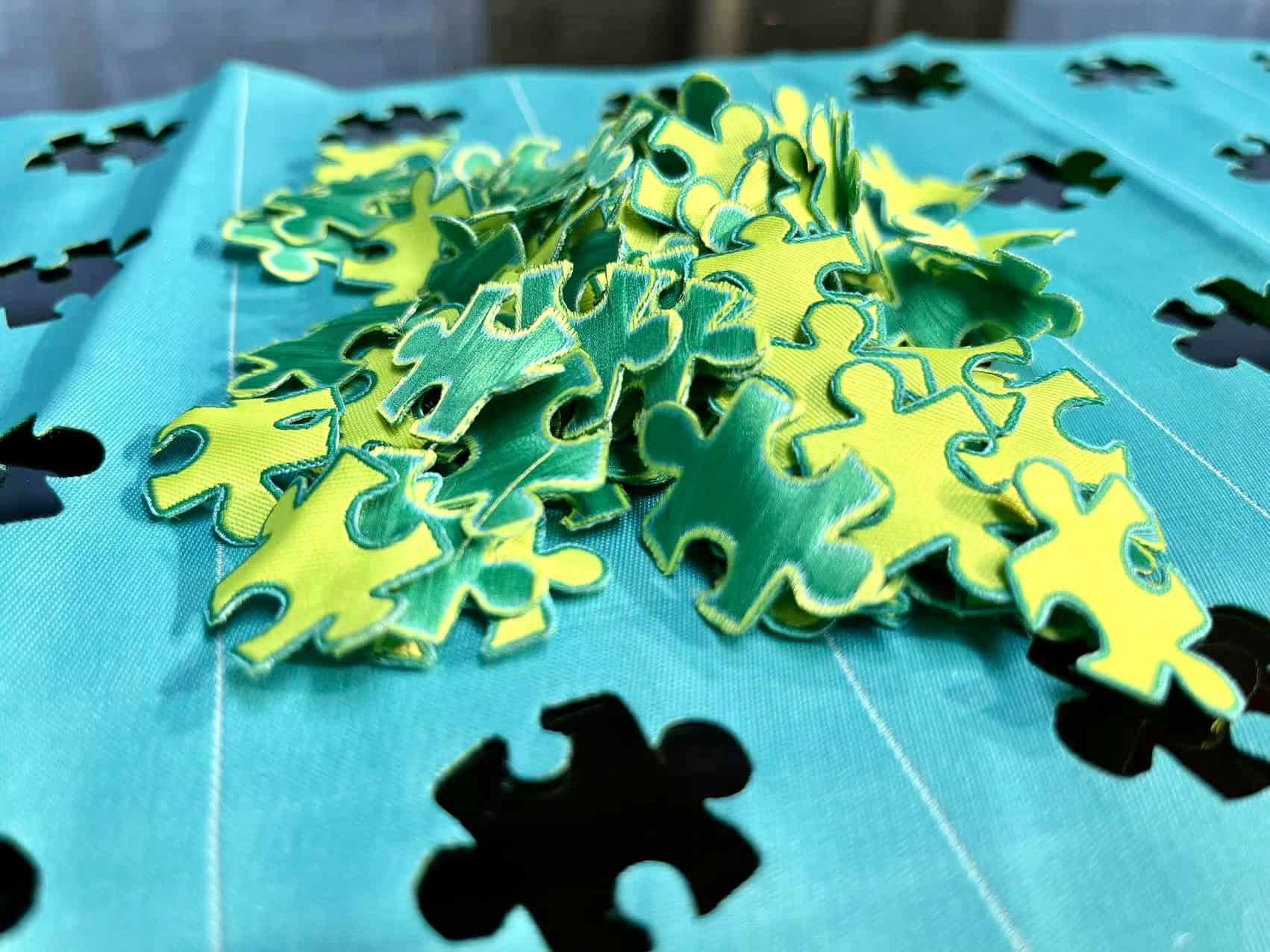
For a manager like John, agility translates directly to profitability. The less time and money spent on setup, the faster you can get a product to market.
1. Eliminating Steel Die Tooling
The most significant operational and financial burden in short-run patch production is the steel die. It has a high upfront cost, long lead time, and requires physical storage. A laser works directly from a digital vector file, meaning there is zero tooling cost and zero lead time.
2. Enabling True "On-Demand" Production
With a laser, you can produce a single sample patch just as cost-effectively as a run of one thousand. This allows you to offer rapid prototyping and fulfill small, urgent orders that would be completely unprofitable with traditional die-cutting.
3. Unlocking Design Complexity
Steel dies are limited to simple shapes. Complex internal cuts, sharp corners, and intricate patterns are either impossible or prohibitively expensive. A laser's focused beam can cut any shape your design software can create, offering unlimited creative freedom.
Workflow Comparison: Die-Cutting vs. Laser
| Feature | Traditional Die-Cutting | Laser Workflow |
|---|---|---|
| Tooling Cost | High ($100s per design) | Zero |
| Tooling Lead Time | 1-3 Weeks | Instant |
| Min. Order Qty | High (to amortize cost) | One |
| Design Flexibility | Low (simple shapes only) | Unlimited |
How Can a Laser Engrave and Cut in One Go?
You might think of engraving and cutting as two totally separate processes, requiring different tools and setups. The idea of adding detailed textures, logos, or patterns to a patch seems like it would add another complicated step to an already slow process. You worry about alignment errors when moving a patch from an engraver to a cutter.
A laser engraves and cuts in one operation by modulating its power and movement type within a single job. It uses a lower power setting and a side-to-side "raster" motion to engrave the surface details first. Then, without moving the material, it switches to a higher power setting and a "vector" motion to trace and cut the patch outline perfectly. Both instructions are contained in a single digital file, eliminating any risk of misalignment.
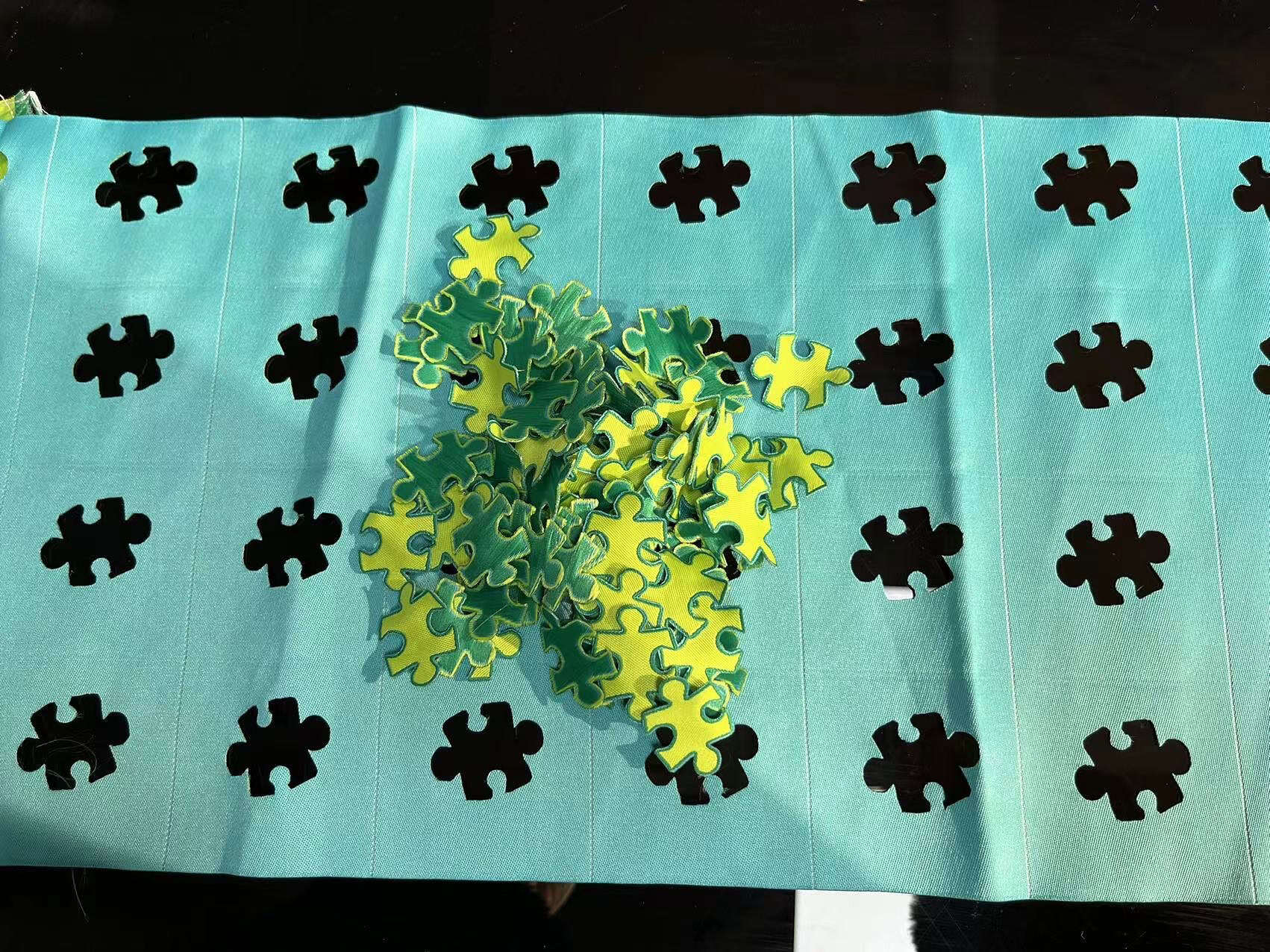
This is where the magic of software control comes into play. The machine isn't just a brute-force tool; it's a precise, intelligent instrument.
1. Raster Engraving for Detail
Just like an inkjet printer moves back and forth to create an image, the laser head rasters across the material at low power, vaporizing the very top surface to create a detailed, textured effect. This is perfect for adding fine lines, logos, and faux-stitching details to materials like twill or faux leather.
2. Vector Cutting for Outlines
After engraving, the machine switches to vector mode. It follows the outline path defined in your design file, pulsing the laser at full power to cut cleanly through the patch material. Because the material never moves between the two steps, the alignment is always perfect.
3. Layers in a Single File
In design software, you simply assign the engraving parts of your design to one color (e.g., black) and the cutting lines to another (e.g., red). The laser software interprets these colors as different operations with different power and speed settings, executing them in the correct order automatically.
Process Steps: Multi-Step vs. Single Laser Pass
| Feature | Traditional Multi-Step | Single-Pass Laser |
|---|---|---|
| Labor Steps | 2-3 (Engrave, Align, Cut) | 1 (Load & Start) |
| Equipment Needed | Engraver, Die-Press | 1 Laser Machine |
| Alignment Risk | High | Zero |
| Cycle Time | High | Low |
What Is a 'Kiss-Cut' and Why Is It a Game-Changer?
Your finished patches need an adhesive backing to become a valuable, easy-to-use product. Currently, this likely involves a messy, manual process of applying adhesive sheets after the patches are cut. This adds labor costs, slows down fulfillment, and doesn't produce the clean, professional "peel-and-stick" result customers expect.
A "kiss-cut" is a precise, low-power laser cut that slices through only the top layer of a multi-layered material. For patches, it cuts through the patch fabric and the adhesive layer, but only "kisses" the paper backing, cutting just deep enough to create a peel-off shape without detaching it. This prepares a professional peel-and-stick product in the same pass that cuts the patch, eliminating the final, manual application step entirely.
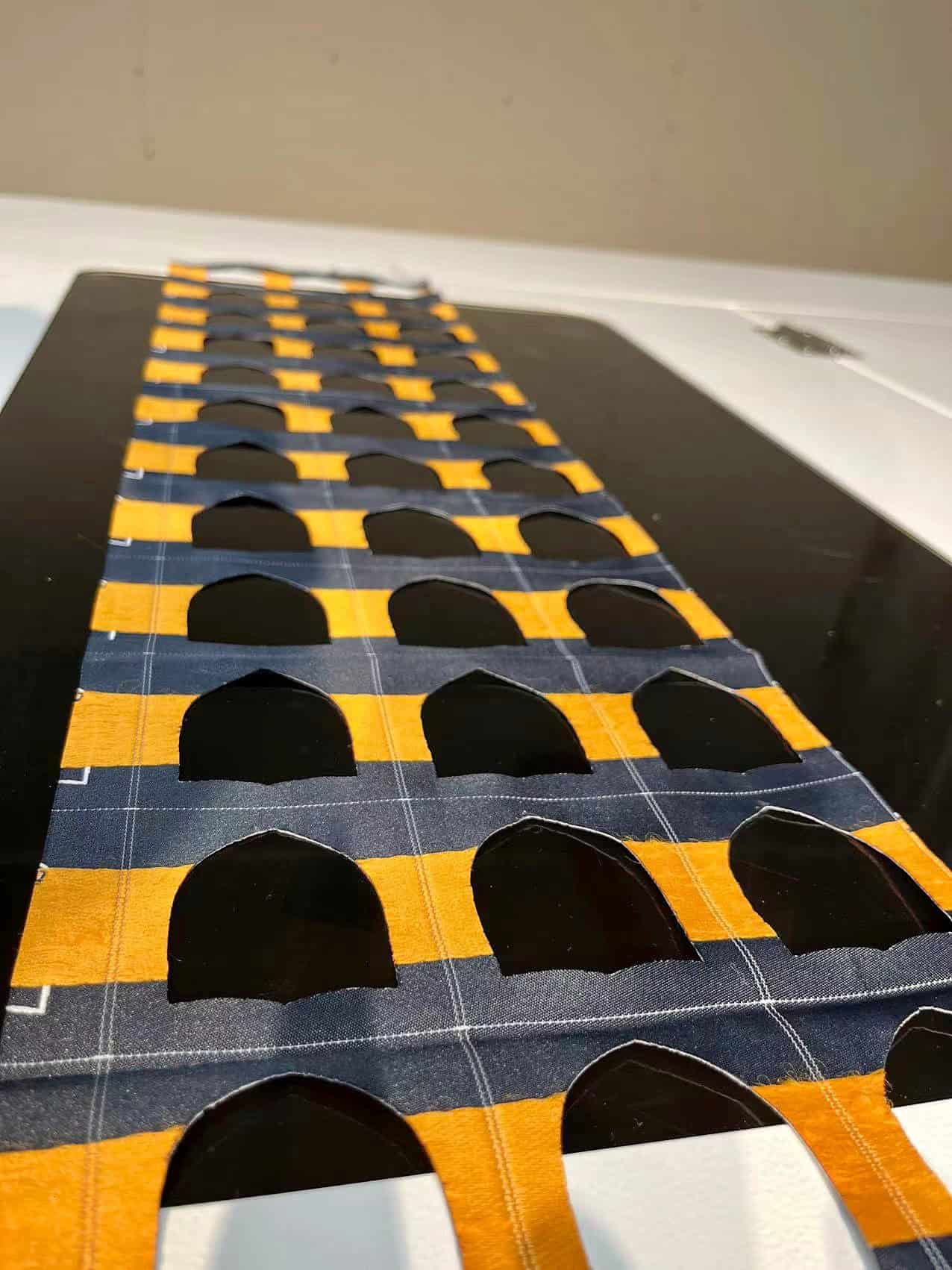
This final piece of the puzzle is what elevates the laser from a great tool to an essential one for modern patch manufacturing.
1. How the Kiss-Cut Works
The laser's power and speed can be controlled with extreme precision. The machine runs two cutting passes in one job: a high-power "through-cut" for the patch outline, and a very fast, low-power pass to score the paper backing. This happens in seconds.
2. Integrating with Heat-Seal Adhesive
The process is simple. You apply a sheet of heat-activated adhesive to the back of your bulk fabric first. Then, you place the entire sheet in the laser. The machine performs the engraving, the through-cut of the patch shape, and the kiss-cut of the backing paper all in one cycle.
3. The End-Product Value
You are no longer delivering a simple patch. You are delivering a finished, ready-to-apply product1. This adds significant perceived value2 for the end-user and streamlines your own packaging and fulfillment process. It's a faster, cleaner, more professional solution from start to finish.
Conclusion
Viewing a laser simply as a replacement for a die-press is a critical miscalculation. Its speed is an advantage, but its true, disruptive value lies in process consolidation. By integrating engraving, through-cutting, and the game-changing adhesive kiss-cut into a single, automated pass, a laser cutter eliminates the core bottlenecks of traditional patch production. It removes tooling costs, erases lead times, and makes high-mix, low-volume orders your most profitable work. For the modern apparel and promotions factory, the laser is not just a better tool; it is an entirely new, more agile, and more profitable workflow.
Relate
FAQs
Q1: What is the single biggest advantage of a laser cutter over a traditional die-press for patches?
A: The biggest advantage is process consolidation. A single laser performs multiple steps—engraving detail, cutting the outline, and kiss-cutting the adhesive backing—in one automated pass, eliminating the need for separate machines, physical dies, and manual labor.
Q2: How does a laser eliminate tooling costs?
A: Lasers work directly from a digital design file (like a PDF or AI file). There is no need to create, purchase, or store a physical steel die for each new patch design, reducing the cost of custom orders from hundreds of dollars to zero.
Q3: What does "kiss-cutting" the adhesive backing mean?
A: A kiss-cut is a light laser pass that cuts through the patch fabric and its adhesive layer but only scores the paper backing. This creates a professional, easy-to-use peel-and-stick product without any additional manual steps, a key feature for adding value.
Q4: Can a laser handle complex and intricate patch designs?
A: Yes, far better than a die-cutter. A laser can cut any shape your software can draw, including sharp internal corners, fine details, and complex outlines that are impossible or prohibitively expensive to produce with a physical die.
Q5: Is a laser practical for small, custom orders?
A: A laser is ideal for small orders. Since there are no tooling costs or lengthy setup times, producing a single sample patch is just as cost-effective as producing a hundred, making your business highly responsive to customer demands for customization.
Q6: What materials are best for laser-cut patches?
A: Lasers are versatile and work well with a wide range of materials used for patches, including twill, felt, chenille, leather, faux leather, and specialized patch materials.
Q7: Do I need separate settings for engraving and cutting on a laser?
A: No, the settings are managed in a single file. You assign different colors to the engraving and cutting elements in your design. The laser's software automatically interprets these as different operations and adjusts its power and speed accordingly during the single run.
Q8: How does this technology improve production speed?
A: While the per-piece cut time may be comparable to a die-press on huge runs, the total workflow speed is dramatically faster. The elimination of weeks of lead time for die creation and the instant setup means you can go from a customer's design to a finished product in hours, not weeks.
Q9: Does using a laser for patches require highly skilled operators?
A: Basic operation requires less manual skill than a traditional multi-step process. Once the digital file is prepared correctly, the machine operates automatically. The primary skill shifts from manual dexterity to basic design software and machine maintenance.
Q10: What is the main ROI driver for investing in a laser for patch production?
A: The primary ROI driver is the ability to profitably capture the high-margin, short-run custom order market. By eliminating tooling bottlenecks and consolidating labor, you can serve a rapidly growing part of the apparel and promotional industry that traditional methods cannot efficiently handle.