Skip to content

You've invested in a CO₂ laser for cutting cardboard, expecting crisp, clean edges for your projects or products. But over a single session, you notice the cuts getting weaker. The laser that sliced through cleanly an hour ago is now struggling to make it all the way through. You're constantly adjusting power settings, wasting material, and feeling frustrated that your professional machine is performing inconsistently.
The hidden culprit behind this power loss is vaporized residue. When a laser cuts cardboard, it ablates the material, creating a fine aerosol of paper and glue that coats the machine’s mirrors and lens. This film absorbs the laser's energy, drastically reducing its cutting power and focus. The key to consistent performance isn't just about speed; it's about establishing a strict, mandatory cleaning routine for your optics.
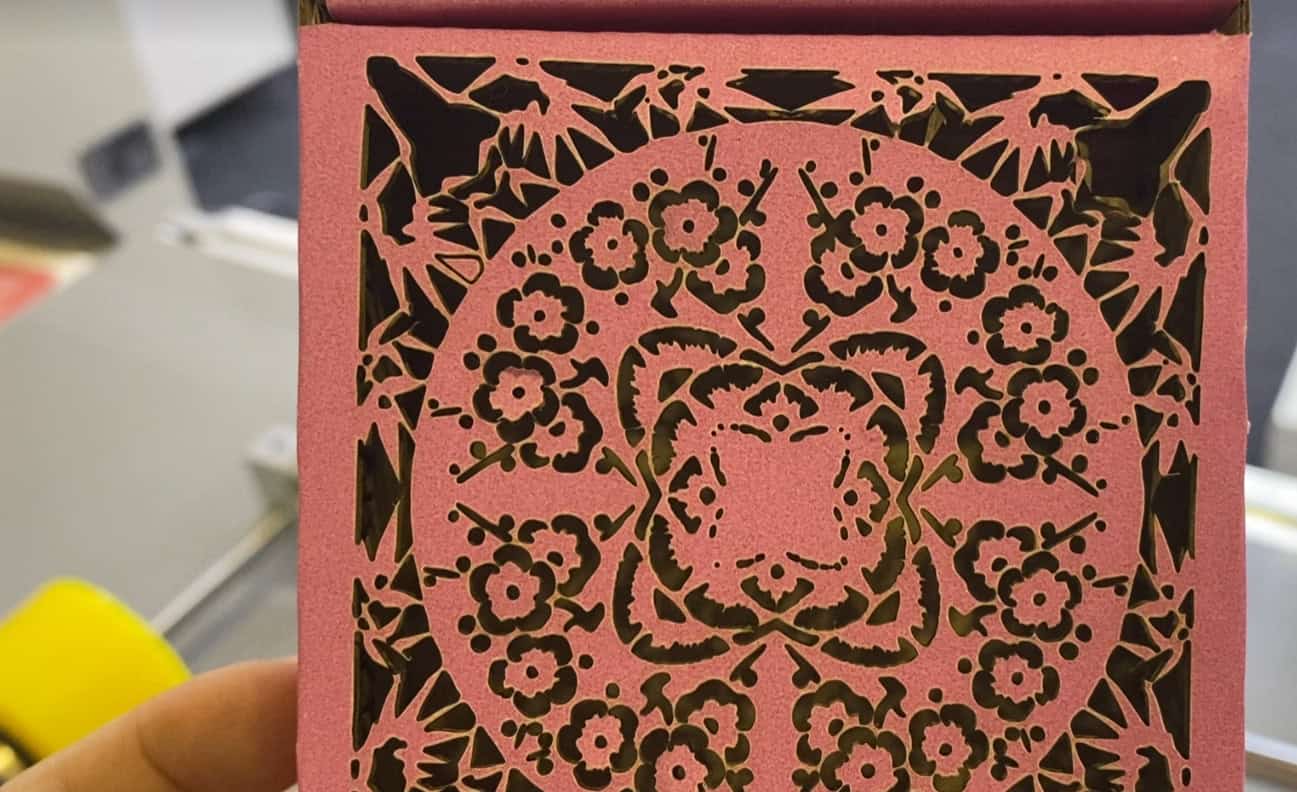
I once got a panicked call from a packaging prototyping company. Their brand new, high-end laser cutter was "failing" after just a few hours of use each day. They were cutting hundreds of cardboard mockups and were convinced the laser tube was defective. I went to their facility, and before even looking at the tube, I asked to see their focusing lens. It was covered in a brownish, hazy film. They had a great exhaust system, but they didn't realize how much residue still settled inside the machine. After we cleaned the lens and mirrors, the machine cut like new again. It was a powerful lesson: with cardboard, cleaning your optics is not optional maintenance; it’s part of the core operational workflow.
How Do Modern CO₂ Lasers Achieve Cleaner Edges and Finer Details?
You're trying to create intricate cardboard models or high-end packaging, but your manual or die-cutting methods leave fuzzy edges and can't handle fine details. You see flawless, sharp cuts on other products and wonder how it's possible. This limitation prevents you from creating the complex, professional-quality designs you envision, holding your work back.
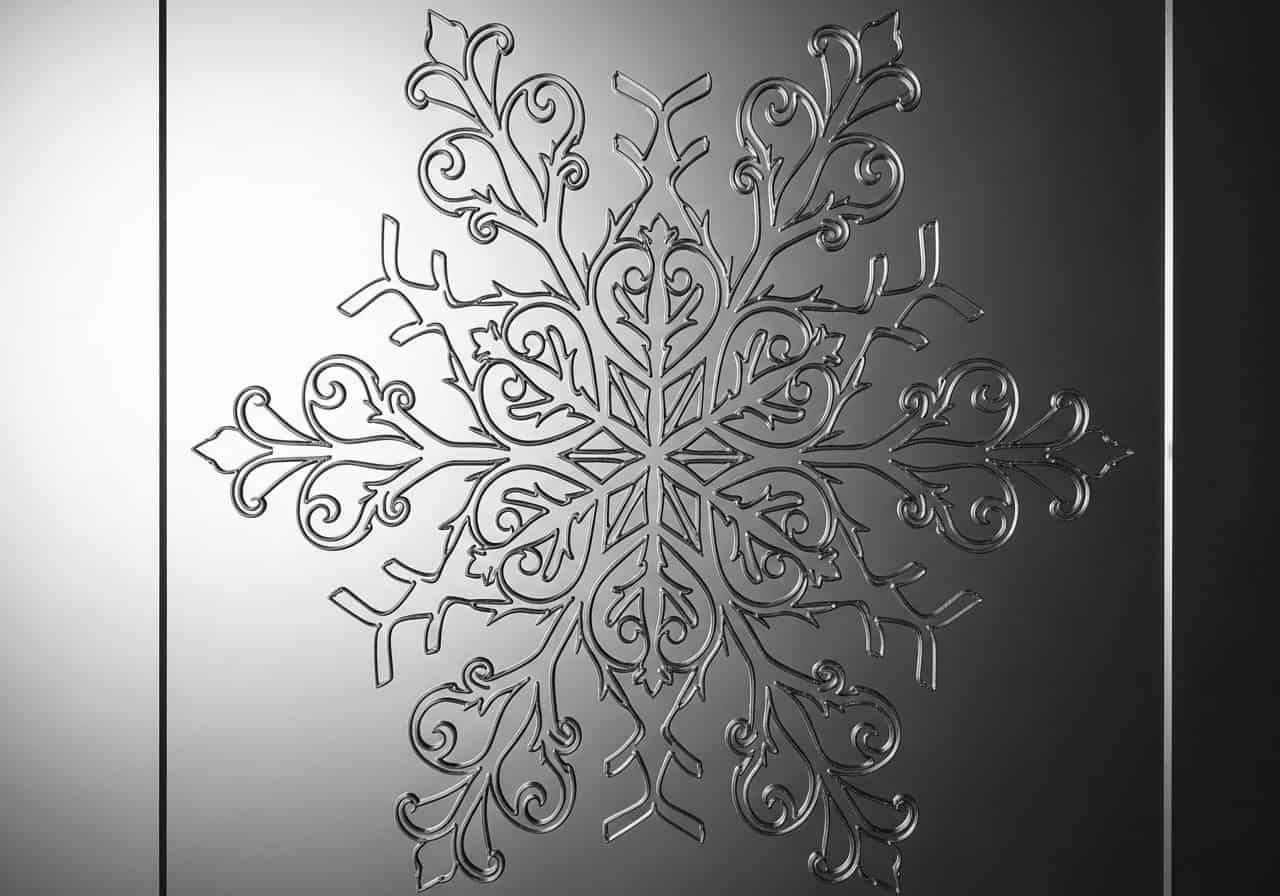
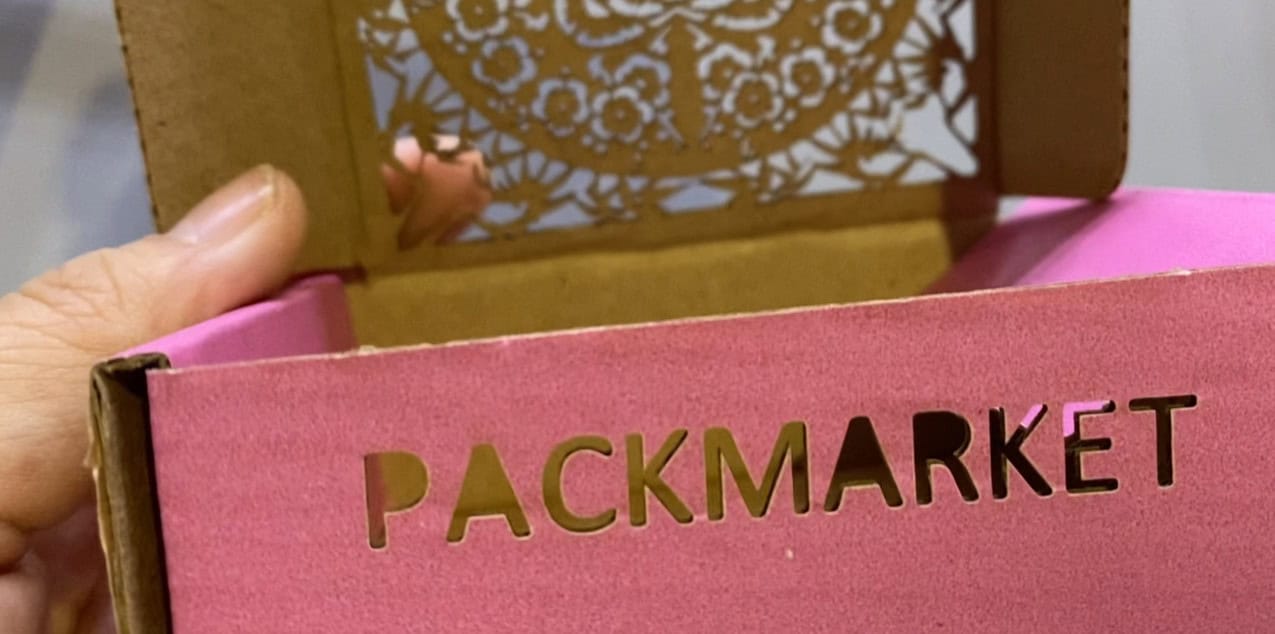
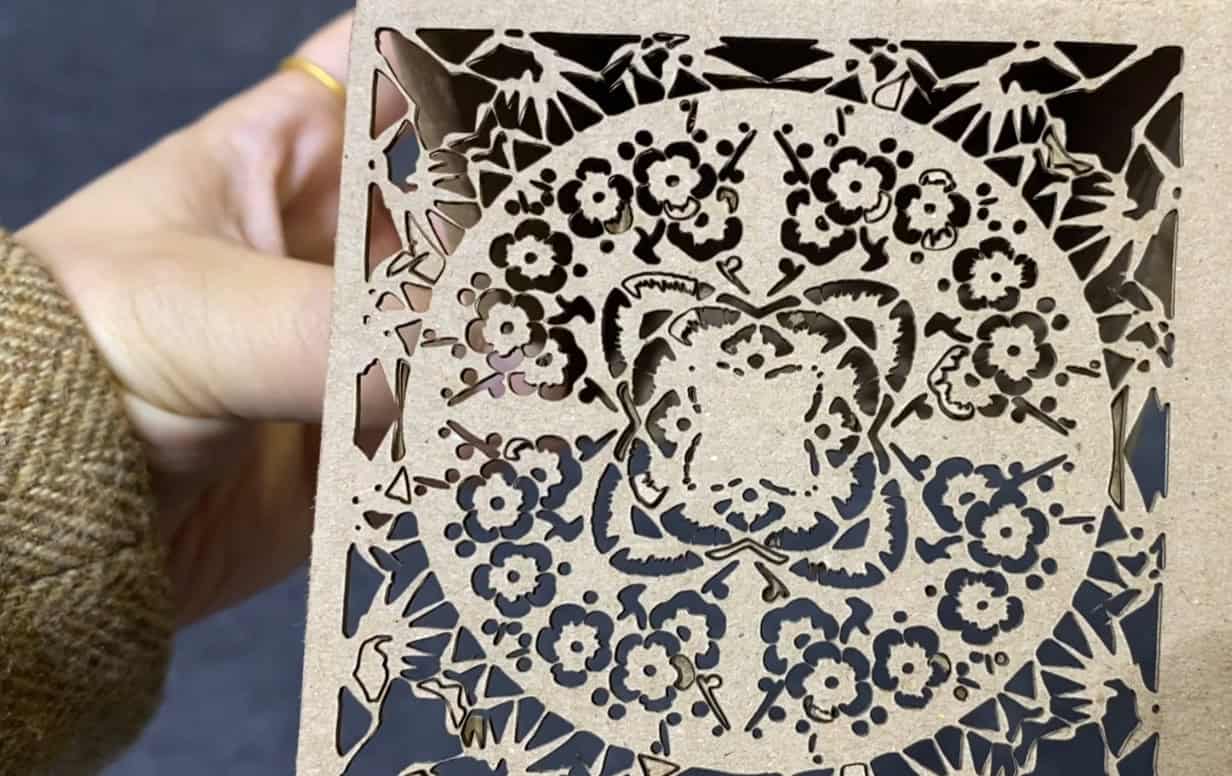
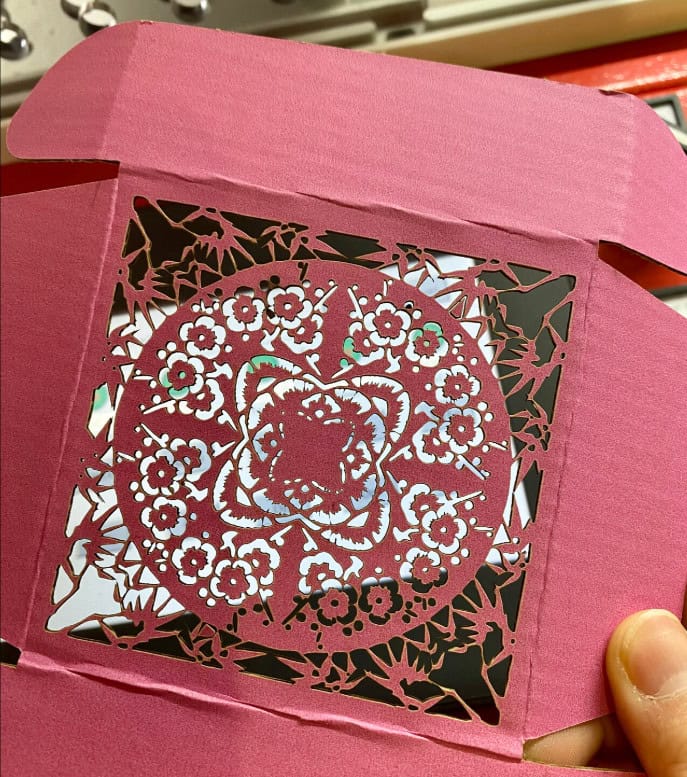
A modern CO₂ laser achieves clean edges and fine details by using a highly focused beam of light, typically just 0.1mm in diameter, to vaporize the material instantly. This non-contact process eliminates the tearing and physical stress of a blade. The motion of the laser is computer-controlled, allowing it to follow complex vector paths with perfect accuracy, creating sharp corners and intricate patterns that are impossible with other methods.
Precision Beyond the Blade
For a purchasing manager like John, who sources machinery for packaging, understanding the "how" behind the quality is key.
1. The Physics of a Focused Beam
A CO₂ laser's power isn't just about watts; it's about energy density. The machine's lens focuses all the laser's energy into a microscopic point. This intense concentration of energy heats and vaporizes the cardboard material so quickly that the surrounding area is barely affected, resulting in a minimal heat-affected zone (HAZ) and a very sharp edge.
2. The Role of Motion Control
The laser head is mounted on a gantry system driven by high-precision stepper or servo motors. These motors follow the digital design file with incredible accuracy. This allows the laser to slow down for sharp corners and speed up on straight lines, ensuring consistent cut quality across the entire design, no matter how complex.
3. The Impact of Residue on Precision
Here is where our core insight comes in. As the vaporized residue builds up on the lens, it doesn't just block power—it diffuses the laser beam. The focal point becomes larger and less defined. This is why, after some time cutting, you'll notice that sharp corners start to become rounded and fine details are lost. A clean lens is paramount for maintaining this high precision.
Why Are CO₂ Lasers the Best Choice for So Many Materials?
You work with a wide range of non-metal materials, from cardboard and wood to acrylic and fabric. You need a single, versatile machine that can handle them all. You're worried about investing in a technology that might be a one-trick pony, forcing you to buy other machines later and complicating your workflow and budget.
CO₂ lasers are the best choice for non-metal processing due to the wavelength of light they produce (10.6 micrometers). This specific wavelength is readily absorbed by a vast array of organic materials, including paper, wood, plastics, leather, and textiles. This allows one machine to effectively cut, engrave, and mark a huge diversity of products, making it an incredibly versatile and cost-effective tool.
The Workhorse of Non-Metal Processing
A versatile machine means a better ROI, a key concern for any procurement professional. Let's break down why the CO₂ laser is so adaptable.
1. The Science of Wavelength Absorption
Different materials absorb different wavelengths of light. The 10.6µm wavelength of a CO₂ laser is in the infrared spectrum, which is perfect for exciting the molecular bonds in organic materials and plastics, causing them to heat and vaporize. In contrast, fiber lasers (around 1µm wavelength) are reflected by most non-metals but are readily absorbed by metals. This fundamental physics is why a CO₂ laser is your go-to for cardboard.
2. Adjusting Power and Speed for Different Materials
A good laser system gives you precise software control over two key variables: power and speed. By using low power and high speed, you can engrave a delicate pattern onto paper. By increasing the power and reducing the speed, the same machine can cut through thick acrylic or wood. This adjustability is what unlocks its versatility.
3. The Residue Factor Across Materials
While we've focused on cardboard, all materials produce residue. Wood creates a smoky, resinous film. Acrylic produces a slightly sticky vapor. Each material requires a slightly different cleaning frequency. Cardboard is one of the "dirtiest" materials to cut because of the glues and binders it contains, which is why the cleaning protocol for it must be so rigorous compared to, say, clean acrylic.
Material Compatibility Comparison
| Material | Cut Quality | Engraving Quality | Residue Type | Cleaning Frequency |
|---|---|---|---|---|
| Cardboard | Excellent | Good | Fine, sticky powder (paper & glue) | Very High |
| Plywood | Very Good | Excellent | Smoky, resinous film | High |
| Cast Acrylic | Excellent (flame-polished) | Excellent (frosted finish) | Minimal, vaporous | Low |
| Leather | Excellent | Very Good | Oily, sooty residue | Medium |
How Do Productivity Upgrades Speed Up Workflow?
You're under pressure to increase output, but your current cutting process is a major bottleneck. You need to produce more, faster, without sacrificing quality. You're looking for solutions that do more than just increase raw cutting speed; you need a smarter, more efficient workflow from start to finish.
Productivity upgrades for laser cutters go beyond just higher wattage. The biggest gains come from workflow optimization features like vision systems (cameras) that automate pattern alignment and nesting to save material. Furthermore, pass-through doors and conveyor systems enable the use of oversized sheets or continuous rolls, drastically reducing manual loading and unloading time and maximizing machine uptime.
Moving Beyond Raw Speed
For a production manager, true productivity is about total throughput, not just the speed of the laser head.
1. The Illusion of "Faster" Cutting
You can always increase cutting speed by increasing laser power. But for cardboard, moving too fast can leave an incomplete cut, while too much power can cause excessive charring or even ignite the material. The real optimization comes from minimizing the time the machine sits idle.
2. Vision Systems for Smart Workflows
A camera system is a massive productivity booster for cardboard. It can be used to read printed registration marks, allowing you to first print your designs and then perfectly align the cuts. It can also be used to automatically "nest" your shapes onto an irregular piece of cardboard, using every possible square inch and dramatically reducing waste.
3. Material Handling Automation
For high-volume production, manually loading sheets of cardboard is a huge time sink. A machine with pass-through doors allows you to slide in a sheet larger than the cutting bed. Better still, a conveyor system can automatically feed cardboard from a large roll or stack, cut the job, and move the finished pieces out, allowing for nearly continuous, unattended operation.
How Do CO₂ Systems Reduce Downtime and Service Costs?
The fear of a machine breaking down and sitting idle for days waiting for a technician is a major concern. You need a system that is not only powerful but also reliable and easy to maintain. You're looking for engineering choices that reduce complexity, minimize service calls, and keep your production line running smoothly.
Modern CO₂ laser systems are engineered for low maintenance by using sealed, long-life laser tubes that require no daily servicing, and robust, brushless motors that are incredibly reliable. Crucially, they are designed with user-accessible optics. This allows operators to perform the most critical maintenance task—cleaning the mirrors and lens—in minutes without needing a specialized technician, drastically reducing performance-related downtime.
Engineering for Uptime
Reliability isn't an accident; it's a result of smart design choices. For someone like John, who manages the total cost of ownership, these features are paramount.
1. Sealed, Long-Life Laser Tubes
Older CO₂ lasers required constant attention, including refilling gas mixtures. Today's systems use high-quality, sealed glass laser tubes with lifespans ranging from 2,000 to over 10,000 hours. They are essentially a consumable component that works reliably for years and can be replaced as a single unit when the time comes.
2. Robust Mechanical Systems
The use of high-quality linear rails and brushless motors in modern machines means there are very few mechanical parts that wear out. These systems are designed for millions of cycles of movement without losing positioning accuracy.
3. The Most Critical "Low-Maintenance" Feature: User-Accessible Optics
This brings us back to our central challenge. The biggest cause of "downtime" with cardboard isn't a broken machine, but a dirty one. A well-designed system makes it easy for an operator to access the three mirrors and one lens that guide the laser beam. The process of cleaning them should take less than five minutes. This design choice empowers the user to solve the most common performance issue themselves, instantly. It’s the most important low-maintenance feature of all.
Conclusion
When cutting cardboard, the promise of a CO₂ laser is clear: speed, versatility, and precision for everything from prototypes to intricate art. But the true path to mastering this process lies in confronting its hidden challenge: managing the constant build-up of vaporized residue on the machine's optics. While advanced features and machine reliability are important, consistent, high-quality results are ultimately achieved through a disciplined workflow built around routine cleaning. By understanding that a clean lens is as crucial as a powerful laser, you can move past the frustration of inconsistent performance and unlock the full potential of your machine.
FAQ
Q1: What is the best type of cardboard for laser cutting?
A: Single-wall corrugated cardboard works best. It cuts cleanly and quickly. Thicker, multi-wall cardboard can be cut, but it requires more power and slower speeds, and may show more charring between layers. Uncoated, plain cardboard is better than heavily coated or glossy types.
Q2: How often do I really need to clean the laser's lens and mirrors?
A: When cutting cardboard, much more often than you think. A good starting point is to check your lens after every hour of continuous cutting. If you notice a visible haze, clean it. For mirrors, check them daily. A strict, frequent cleaning schedule is key.
Q3: Can laser cutting cardboard cause a fire?
A: Yes, it is a risk. Cardboard is flammable. Never leave a laser cutter unattended while it is operating. A properly configured air assist (a jet of compressed air at the cutting point) is essential to blow out flames and reduce charring. Keep a fire extinguisher suitable for electrical fires nearby.
Q4: What settings should I start with for cutting cardboard?
A: This depends on your machine's wattage and the cardboard's thickness. A good starting point for a 60-80W laser on single-wall cardboard would be around 60-70% power and a speed of 20-30mm/s. Always perform a small test cut on a scrap piece to fine-tune your settings.
Q5: What is the smell from laser cutting cardboard?
A: It smells like burning paper. A powerful fume extraction system that vents to the outside is not optional; it's a mandatory safety requirement to remove smoke and airborne particulates from your workspace.
Q6: Why are my cardboard edges coming out charred or burnt?
A: This is usually caused by using too much power, too slow a speed, or having a dirty lens. A dirty lens diffuses the beam, forcing you to use more power than necessary, which leads to burning. First, clean your optics, then try reducing power or increasing speed.
Q7: Can I just engrave on cardboard without cutting through?
A: Yes, very easily. To engrave, you use a much lower power setting (e.g., 10-15%) and a very high speed (e.g., 300-500mm/s). This will vaporize just the top layer of the cardboard, creating a visible mark without compromising its structure.
Q8: What kind of file do I need to run a laser cutter?
A: Laser cutters operate using vector files. Common formats include .AI (Adobe Illustrator), .DXF (AutoCAD), .SVG (Scalable Vector Graphics), and .LBRN (LightBurn). You create your design in a program like Illustrator or Inkscape and then import it into the laser's control software.
Q9: Does the color of the cardboard matter?
A: For cutting, not really. For engraving, it can have a small effect. Darker cardboard may require slightly less power to produce a visible mark compared to lighter or white cardboard.
Q10: Is a honeycomb bed necessary for cutting cardboard?
A: Yes, a honeycomb bed is highly recommended. It supports the material evenly while allowing smoke, residue, and the laser beam to pass through. This provides the best cut quality on the underside of the material and helps with fume extraction.