Skip to content

The holiday season is a golden opportunity for your business, but the pressure is immense. You have amazing personalized gift ideas, but the thought of engraving hundreds of individual items gives you anxiety. You worry about misaligned products, wasted inventory, and the nightmare of missing shipping deadlines. How can you possibly scale up your creative craft to meet the biggest sales spike of the year?
The secret to winning the Christmas rush isn't about perfecting your digital design; it's about perfecting your physical workflow on the laser bed. True profitability comes from high-throughput batch processing, where you can engrave dozens of items perfectly in one go. The key to this entire operation is the simple, custom-made jig—a template that guarantees perfect alignment every single time, turning your workshop into a production powerhouse.
I'll never forget a client who launched a line of personalized wooden spoons for Christmas. His designs were beautiful, and orders flooded in. But by December 10th, he was in a total panic. He was spending two minutes aligning each spoon by hand before a 30-second engraving job. His bottleneck wasn't the laser; it was the setup. I showed him how to make a simple acrylic jig to hold 20 spoons at once. He went from staring at a mountain of unfulfilled orders to shipping everything on time. That story perfectly illustrates that your workflow, not your design software, is what gets you through the holiday rush.
How Can CO₂ Laser Technology Transform Ordinary Objects into Premium Holiday Gifts?
You walk through a wholesale store and see stacks of plain cutting boards, simple leather coasters, and basic stainless steel water bottles. They are low-cost commodities with razor-thin profit margins. You struggle to see how you can compete when big box stores sell similar items for next to nothing. This makes you question how you can add real value.
A CO₂ laser transforms these ordinary, low-margin objects into high-value personalized gifts. By adding a name, a meaningful date, a custom logo, or a beautiful pattern, you are no longer selling a simple object; you are selling a unique keepsake. This act of customization instantly elevates the perceived value, allowing you to command premium prices and stand out in a crowded market.
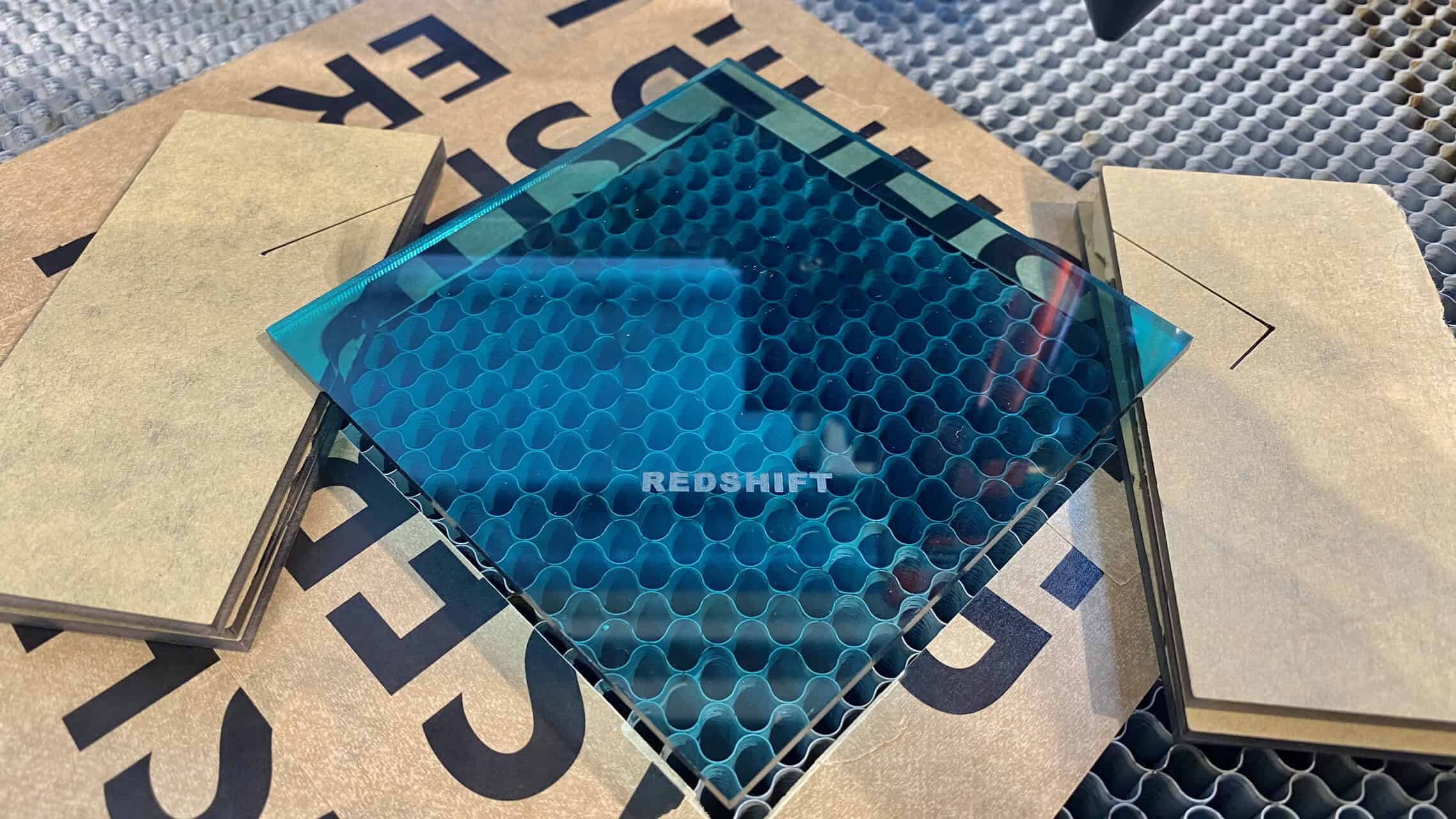
Moving from Commodity to Custom
For a purchasing manager like John, who has to balance cost and value, this transformation is crucial. It's about ROI. You start with a cost-effective base product and add significant value with minimal processing time.
1. The Power of Personalization
Personalization creates an emotional connection. A water bottle is a commodity; "Coach Sarah's" water bottle is a cherished memento. A cheese board is a kitchen tool; a cheese board engraved with "The Millers, Est. 2015" is a centerpiece. The laser is the tool that enables this emotional—and financial—uplift.
2. Speed and Precision
Unlike hand-engraving or other complex methods, a laser can execute a detailed design flawlessly in seconds or minutes. This allows you to offer customization on-demand, turning around orders quickly even during the peak holiday season. The digital process ensures that what you see on the screen is exactly what you get on the product.
3. Creating a "Premium" Feel
The clean, crisp, and permanent mark made by a laser gives a product a professional, high-quality finish. It feels intentional and durable. This quality perception is what allows a $10 item to be sold as a $40 personalized gift. The laser is a tool for "premiumization," turning basic inventory into a high-end product line.
How Can You Offer Everything from Simple Names to Complex Patterns?
You see competitors offering simple name engravings, but you feel that's a saturated market. You want to offer more complex and artistic designs but worry that your equipment isn't up to the task. You are concerned that producing intricate patterns might be too slow or technically difficult to be profitable, especially on a large scale.
A professional-grade CO₂ laser gives you the power to scale your creativity effortlessly. The same machine that can engrave a simple name in seconds can also produce a full-coverage, intricate pattern with photographic detail. The precision is controlled by the digital file, not the operator's skill, ensuring that every piece, from the first to the five-hundredth, is identical and flawless.
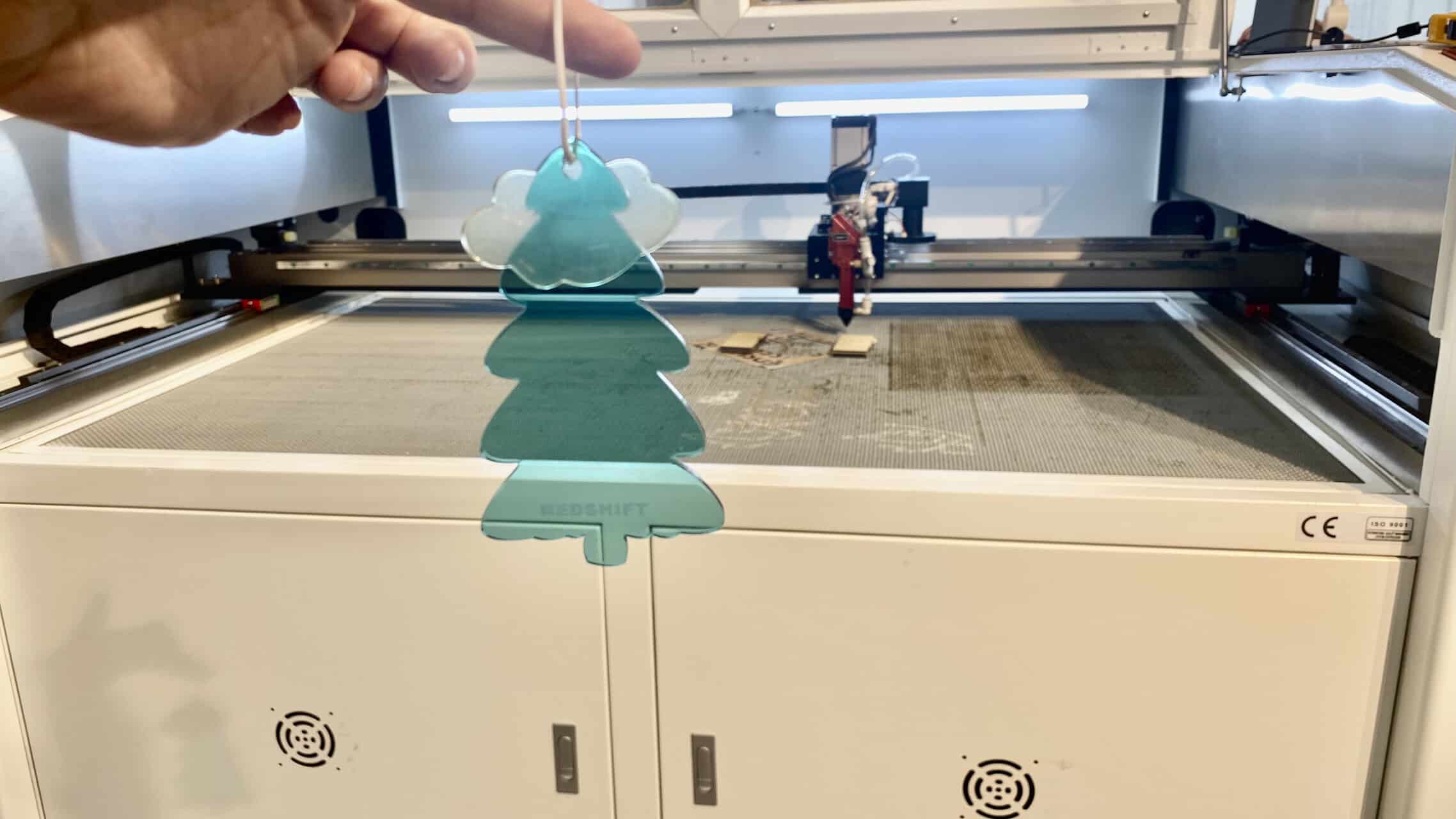
Scaling Your Creative Offerings
The beauty of laser technology is that complexity does not equal difficulty. The machine handles the hard work.
1. Vector Engraving for Speed
For names, simple logos, and line art, you use vector engraving. The laser head follows the lines in your design file, much like a pen plotter. This method is incredibly fast and efficient, perfect for personalizing large quantities of items like pens, keychains, or ornaments with guest names.
2. Raster Engraving for Detail
For complex patterns, photographs, and shaded designs, you use raster engraving. The laser head moves back and forth, similar to an inkjet printer, firing the laser dot by dot to build the image. This method allows for incredible detail and is perfect for creating high-impact gifts like photo-engraved plaques or full-coverage patterns on laptop cases.
3. No Additional Skill Required
This is a key point for any production manager. Moving from a simple vector engraving to a complex raster engraving does not require retraining your staff. The process is the same: load the file, secure the item, and press start. The machine and the software handle the complexity, allowing you to diversify your product catalog without increasing your labor costs or training overhead.
What Holiday Gift Ideas Can You Actually Create?
You're convinced of the technology's potential but are drawing a blank on what products to offer. You need concrete, profitable gift ideas that are popular with customers and well-suited for laser engraving. Simply knowing the laser works on wood and acrylic isn't enough; you need inspiring and marketable applications.
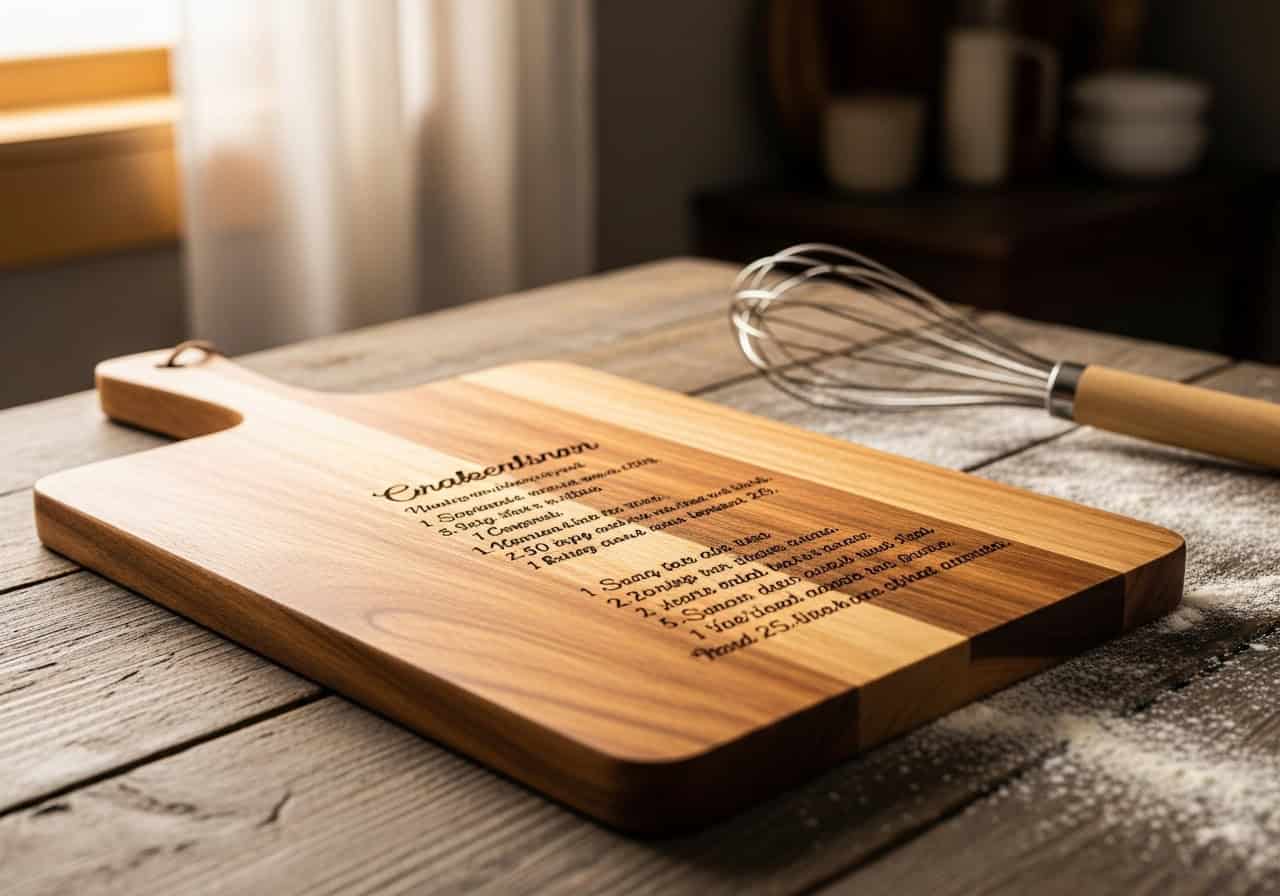
You can create a vast range of popular holiday gifts by engraving materials like wood, acrylic, leather, and even coated metals. Think personalized cutting boards and rolling pins for the home chef, custom acrylic ornaments and light-up signs for holiday decor, and engraved leather wallets or stainless steel flasks for a timeless personal gift. Your only limit is your imagination.
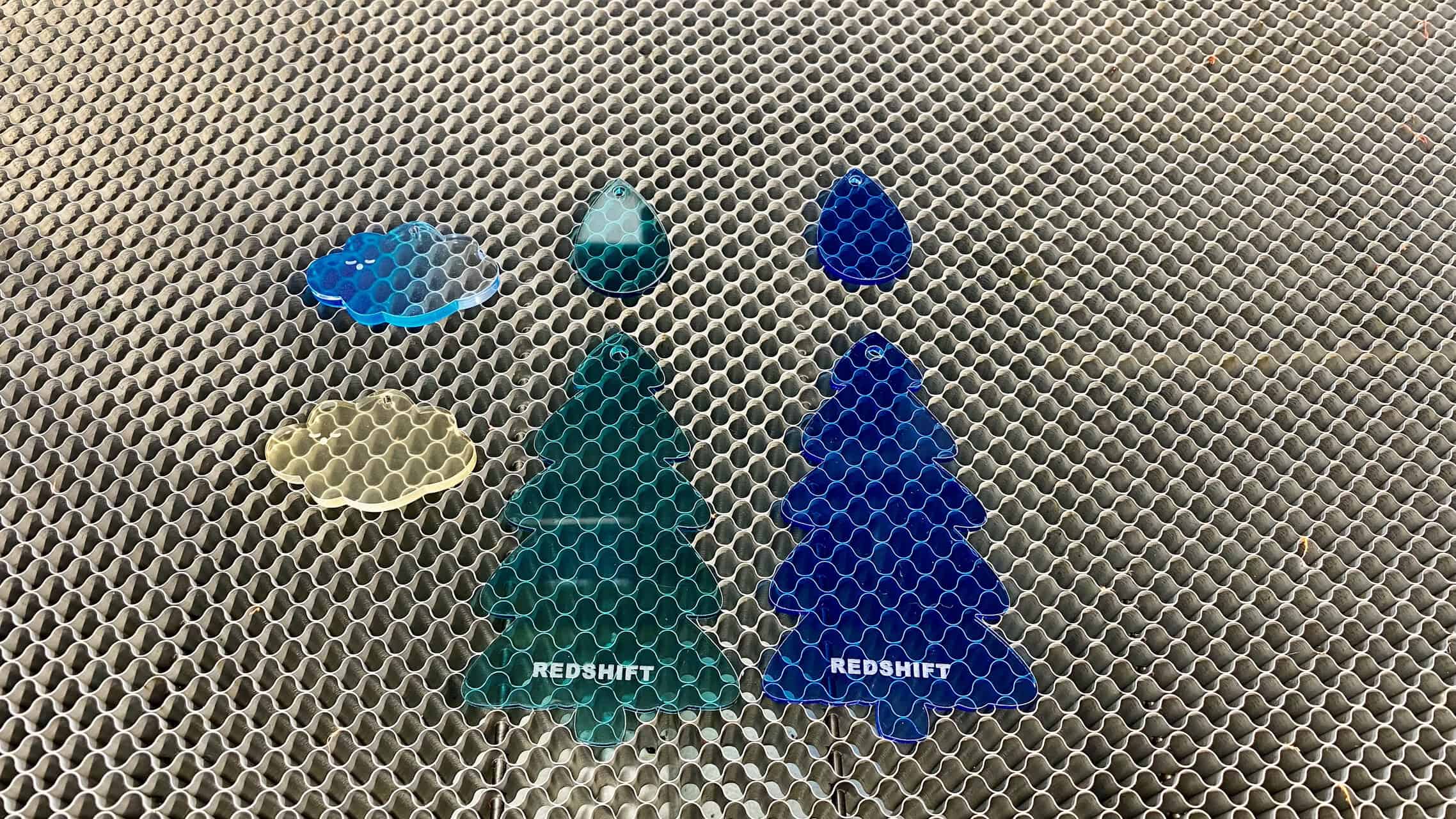
A Catalog of Profitable Ideas
Here are some proven sellers for the holiday season, broken down by material.
1. Wood: The Rustic Classic
Wood is warm, timeless, and engraves beautifully. It's perfect for kitchen-themed gifts.
- Products: Cutting boards, cheese boards, rolling pins, wooden spoons, recipe boxes, coat hangers.
- Tip: Use wood with a fine, even grain like maple or cherry for the best results.
2. Acrylic: Modern and Bright
Acrylic offers a clean, modern look and is perfect for decorations.
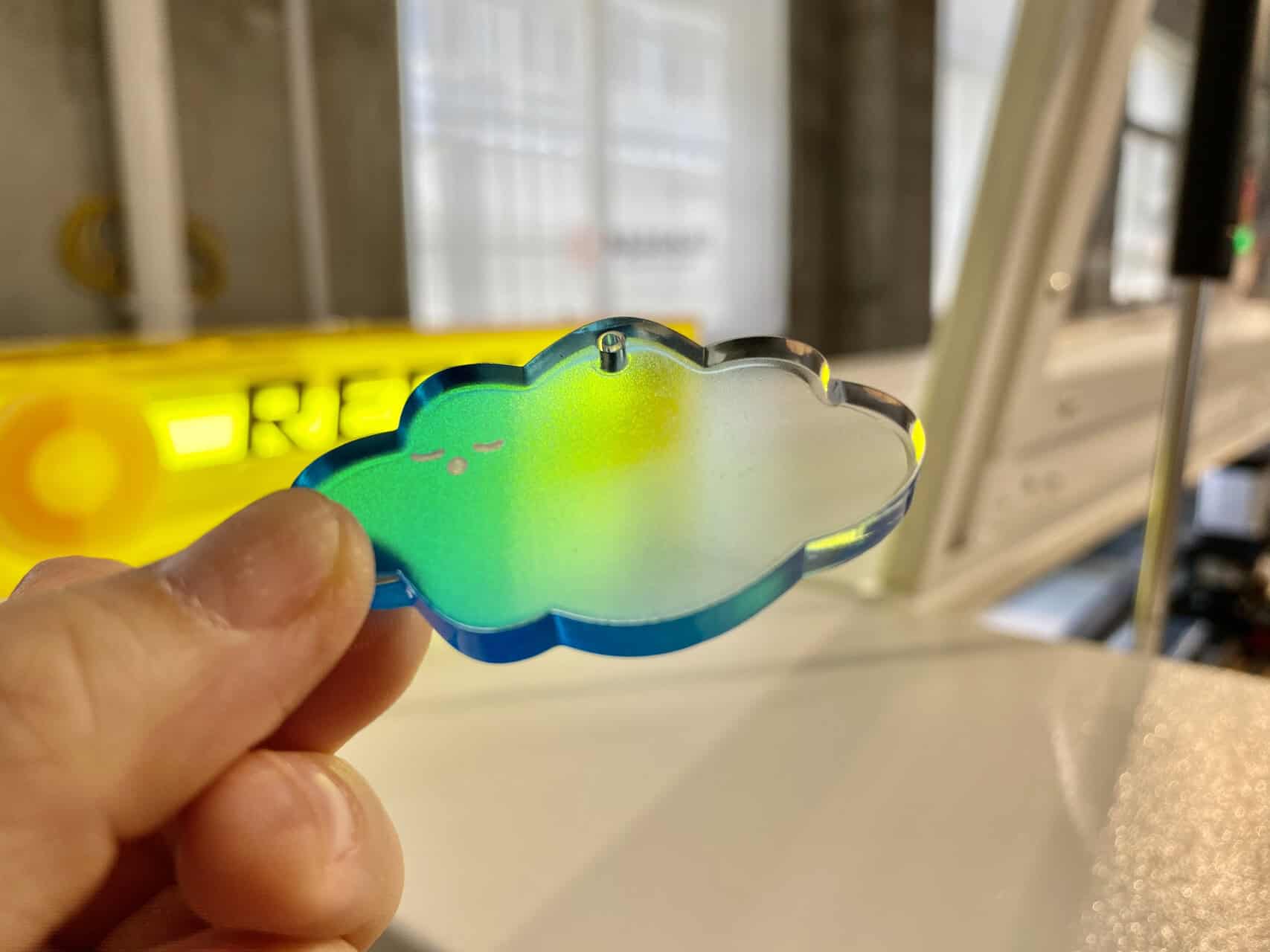
- Products: Christmas ornaments (clear or colored), personalized cake toppers, LED-lit desk signs, keychains, photo frames.
- Tip: Use cast acrylic for a frosty, white engraving. Extruded acrylic engraves clear and is less desirable.
3. Leather: Timeless and Personal
Engraved leather has a sophisticated, high-end feel.
- Products: Wallets, passport holders, belts, luggage tags, notebook covers, keychains.
- Tip: Vegetable-tanned leather engraves with a beautiful dark contrast. Reduce power to avoid burning through.
4. Coated Stainless Steel: Durable and Popular
Powder-coated tumblers and flasks are incredibly popular and engrave perfectly.
- Products: Insulated tumblers (like YETI style), water bottles, coffee mugs, flasks.
- Tip: The laser removes the coating to reveal the shiny steel underneath. No special sprays are needed. It’s fast and permanent.
Material Engraving Comparison
| Material | Popular Gifts | Feel/Look | Engraving Tip |
|---|---|---|---|
| Wood | Cutting Boards, Ornaments | Rustic, Warm | Use air assist to reduce char and residue. |
| Cast Acrylic | Ornaments, LED Signs | Modern, Crisp | Produces a frosty white mark. Looks best without masking. |
| Leather | Wallets, Journals | Premium, Classic | Lower power and high speed to avoid burning. |
| Coated Steel | Tumblers, Flasks | Durable, Sleek | Requires higher power; rotary attachment needed for tumblers. |
How Do You Manage the Workflow for Hundreds of Gifts?
You have the gifts, you have the designs, and the orders are coming in. But now you're facing the real challenge: how do you physically produce hundreds of perfectly engraved items without losing your mind? You're terrified that aligning each piece one by one will create a production nightmare and ruin your profitability.
You manage a high-volume workflow by stopping thinking about individual items and starting to think in batches. The secret is the jig. A jig is a simple template you place on your laser bed that holds multiple items in the exact same position, every time. This eliminates the time-consuming and error-prone task of manual alignment, allowing you to engrave dozens of products in a single job.

Behind the Craft: Obsess Over the Jig
While newcomers are tweaking a vector file in their software, professionals are busy building a jig. This is the real secret to profitability during the Christmas rush.
1. What is a Jig?
A jig is a custom template made from a scrap piece of plywood, acrylic, or even sturdy cardboard. You use the laser itself to cut precise outlines of the products you want to engrave. You then place this template on your laser bed, and your items snap perfectly into the cutouts. Your laser knows exactly where each item is.
2. Creating Your Batch Workflow
Here’s the process:
- Design the Jig: In your software, arrange the outlines of your product (e.g., 20 coasters) to fit your laser bed.
- Cut the Jig: Use your laser to cut these outlines from a sheet of scrap material.
- Position the Engraving File: In the same software file, place your engraving design inside each of the outlines.
- Load and Run: Place the jig on the laser bed. Drop your coasters into the cutouts. Run the engraving-only part of the file. You can now engrave 20 coasters perfectly in one go. When it's done, swap them out and repeat.
3. The Shift from Artist to Producer
This is the mental shift that separates a hobbyist from a professional producer. The jig turns your laser from a single-item customization tool into a small-scale factory. It standardizes your process, eliminates alignment errors, and drastically cuts down on labor per item. An amateur obsesses over one perfect gift; a professional obsesses over the workflow that replicates that perfection 500 times before the shipping deadline.
Conclusion
Success in the 2025 Christmas gift market doesn't come from just owning a laser; it comes from implementing a production-minded workflow. By transforming ordinary objects into premium personalized gifts, you create immense value. But to capture that value at scale, you must move beyond one-off creations. By embracing batch processing and mastering the use of jigs, you eliminate the biggest bottleneck—manual alignment. This is how you meet the holiday rush with confidence, delivering stunning engraved gifts accurately and on time, ensuring a profitable and stress-free season.
FAQ: High-Volume Laser Engraved Gifts
Q1: What is a jig, and why is it so important for holiday production?
A: A jig is a custom template, usually made from scrap wood or acrylic, that holds multiple items in a precise, fixed position on your laser bed. It is the single most important tool for holiday production because it eliminates the need to manually align each item. This drastically reduces setup time, prevents misalignment errors, and allows you to engrave large batches of gifts at once, turning your laser into a mini-factory.
Q2: How do I make a jig for my products?
A: It's simple. First, arrange the outlines of your product (e.g., 50 keychains) in your laser software. Use your laser to cut these outlines from a sheet of scrap material like plywood or acrylic. Then, in the same design file, place your engraving artwork inside each outline. Now you can place the jig on your laser bed, drop your keychains into the cutouts, and run the engraving with perfect alignment every time.
Q3: Is it better to use vector or raster engraving for gifts?
A: It depends on the design. Use vector engraving for names, simple logos, and line art; it's extremely fast as the laser traces the lines. Use raster engraving for photos, complex patterns, and shaded designs; it moves back and forth like a printer. For holiday production, focus on fast vector engravings for personalization to maximize throughput.
Q4: Won't creating complex designs slow down my production line?
A: The engraving time for a complex design will be longer, but the setup time should be the same if you use a jig. The key to profitability is to offer a mix. Use fast vector engravings for high-volume, lower-margin items (like ornaments with names) and save the more time-consuming raster engravings for premium, high-margin items (like detailed art on a wooden box).
Q5: What are the most profitable items to laser engrave for Christmas?
A: The most profitable items have a low base cost, are easy to handle in a jig, and are highly desirable when personalized. Top contenders include powder-coated tumblers, wooden cutting boards, leather keychains/wallets, and acrylic ornaments. These items are transformed from cheap commodities into high-value keepsakes with a simple engraving.
Q6: I'm engraving 100 identical items. How do I ensure number 1 looks the same as number 100?
A: Consistency comes from two things: a solid jig and routine cleaning. The jig ensures identical placement. Additionally, engraving materials like wood can create resin/smoke residue on your laser's lens over a long run. Pause production every hour or so for a quick lens check and cleaning to ensure consistent power delivery from start to finish.
Q7: Can I engrave multiple different names on a batch of items in one go?
A: Yes. Most professional laser software (like LightBurn) has a "Variable Text" or "Print Merge" feature. You can create a list of names in a simple spreadsheet (e.g., from Excel or Google Sheets), and the software will automatically engrave a different name on each item in your batch, according to your jig layout. This is a game-changer for personalizing team or corporate gifts.
Q8: What's better for making jigs: wood, acrylic, or cardboard?
A: - Plywood/MDF: Cheap, durable, and great for heavy or repeated use. This is the professional standard.
- Acrylic: More expensive but very precise and doesn't create char. Good for smaller items where clean edges are important.
- Cardboard: Perfect for quick, one-off jobs or testing a jig layout before committing to a more durable material. It's essentially free.
Q9: My engraved wood gifts have a lot of smoky residue around the engraving. How can I prevent this?
A: First, ensure your air assist is on and directed properly; this helps blow smoke away. Second, cover the surface of the wood with masking tape before engraving. The laser will cut through the tape, and when you peel it off, the smoky "halo" will come off with it, leaving a perfectly clean surface.
Q10: I need a rotary attachment to engrave tumblers. Is it hard to switch between flat and round items?
A: Switching from the flat bed to a rotary attachment usually takes only a few minutes. Professionally, the key is to batch your work. Don't engrave one tumbler, then one cutting board. Dedicate a morning to engraving all your flat items using a jig, then switch to the rotary and engrave all your tumblers and other cylindrical items in the afternoon. This minimizes changeover time.