Skip to content

You're a production manager watching the wedding market, and intricate laser-cut invitations are everywhere. You feel the pressure to compete, assuming the answer is a top-of-the-line, high-resolution laser cutter to replicate those complex designs. But you hesitate, worried about a hidden variable. What if you invest in the best machine and still can't produce the flawless quality that brides and grooms demand, ending up with a pile of expensive, scorched cardstock?
The true art of laser-cut wedding invitations isn't found in the complexity of the digital design file; it's in mastering thermal management. The real enemy on the production floor is the subtle yellow or brown scorching along the cut edge, caused by excess heat. Success comes from developing a proprietary library of precise laser settings—power, speed, and pulse frequency—meticulously tested for each specific paper type to guarantee a clean, scorch-free cut every time.
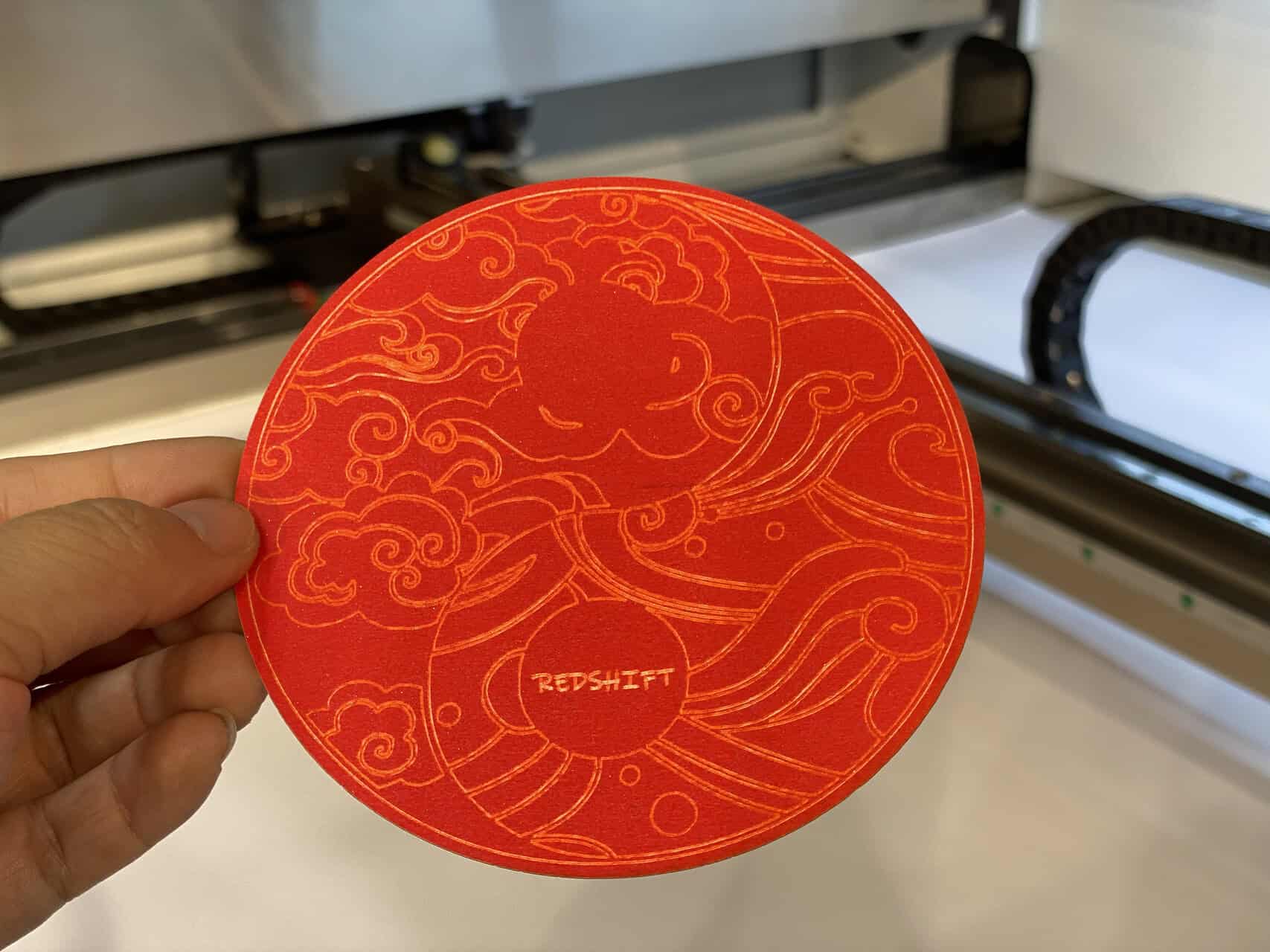
I'll never forget a client who came to our facility, deeply frustrated. He had just spent a fortune on a new laser from another supplier and proudly showed me a beautiful, lace-like design. Then, he showed me the finished product: a stack of invitations on pearlized paper, every single one ruined by a faint but undeniable brownish-yellow halo around the cuts. He thought the machine was defective. I placed one under our microscope and showed him it wasn't a defect; it was a process failure. The machine had executed the design perfectly, but the heat settings were wrong for that specific paper, causing the fibers to toast. That day, he didn't need a new machine; he needed a new methodology.
What is the True Art of Laser Cut Wedding Invitations?
You see the flawless, intricate patterns on a competitor's wedding invitation and assume their "art" is a more creative design team or a laser with a finer beam. You chase after higher machine specs, believing more power or a higher resolution is the key to closing the quality gap. You feel like you're missing a secret ingredient that isn't listed on any machine's spec sheet.
The real art is the hidden science of thermal control. It is the technical mastery of matching laser parameters to the unique chemical and physical properties of a specific paper stock. The goal is not to "burn" through the paper, but to instantly vaporize it, leaving zero residual heat to discolor the surrounding fibers. This meticulous process, not the machine itself, is the secret ingredient to creating pristine, high-value invitations.
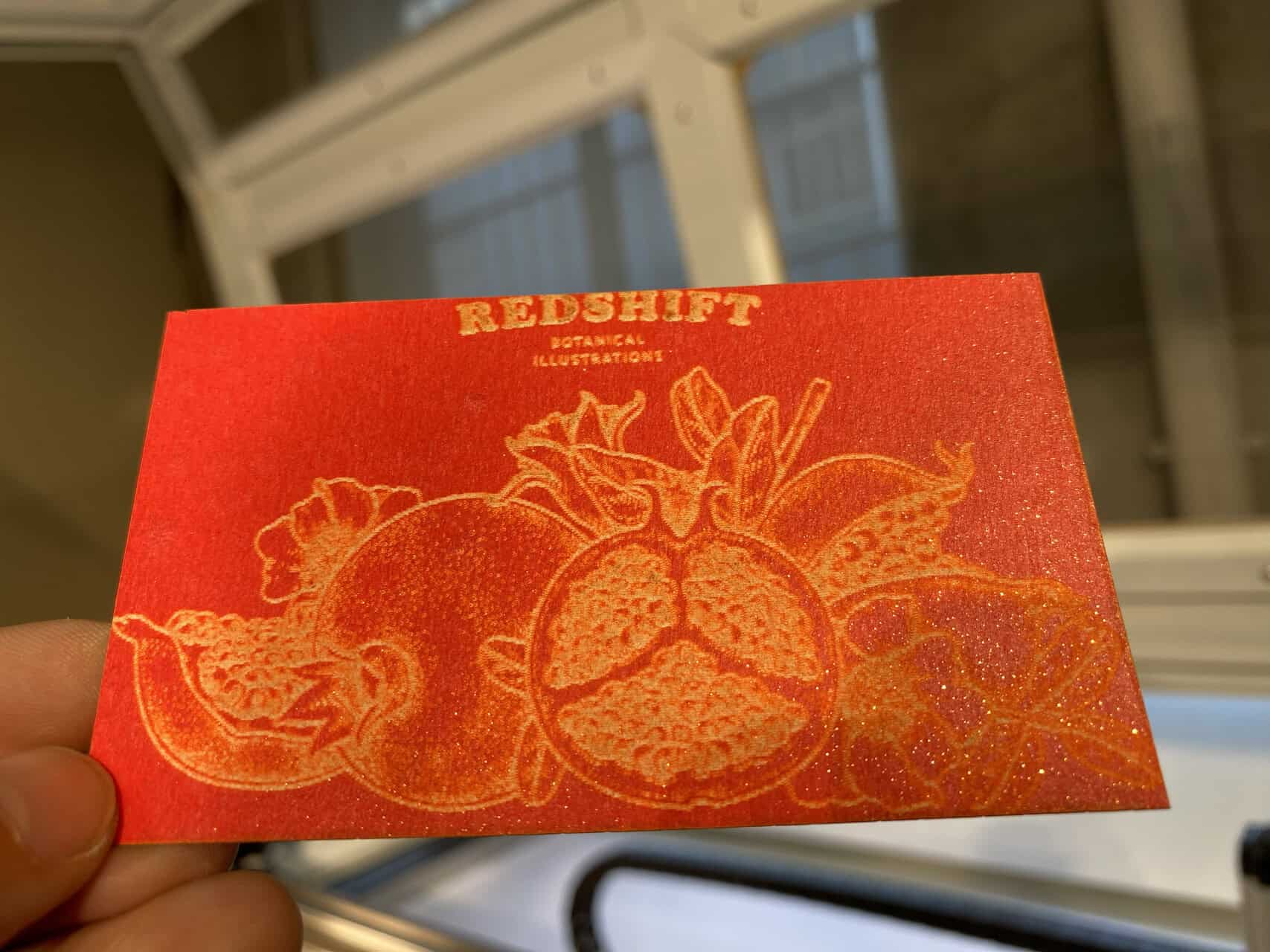
For a high-stakes market like weddings, we have to change our vocabulary and our mindset. You're not just cutting paper; you're controlling a chemical reaction.
The Problem: Heat and Paper Don't Mix
Paper is made of organic fibers. When a laser applies too much energy for too long (even for milliseconds), the heat doesn't just vaporize the target material; it "bleeds" into the adjacent fibers. This thermal bleed is what causes the molecules in the paper to break down and oxidize, resulting in that ugly yellow-brown char. Coated, metallic, and pearlized papers are even more susceptible, as their coatings react to heat differently than the base paper.
The Solution: The "Settings Library" as a Core Asset
An expert manufacturer's most valuable asset is not their laser cutter, but their "settings library." This is a detailed log—a spreadsheet, a database, or even a physical binder—that documents the precise settings for every paper stock they use. For every new paper a client requests, a technician must run a series of tests to find the "sweet spot" and add it to the library.
This is the real "art" your competitors are using. It is a methodical, scientific process.
| Approach | Naive Manufacturer | Expert Manufacturer |
|---|---|---|
| Primary Focus | Design Intricacy | Thermal Management |
| Core Asset | Expensive Laser Machine | Proprietary Settings Library |
| Process | Use default settings, hope for the best | Test, document, and apply specific settings for each paper |
| Result | Inconsistent quality, high reject rate | Flawless, repeatable quality |
What are the advantages of laser-cut wedding invitations?
You know laser-cut invitations look impressive, but as a manager, you need to justify the investment in bottom-line terms. You wonder if the "wow factor" is enough to deliver a real return on investment. You're looking for tangible business advantages beyond just aesthetics, questioning if this is a sustainable product line or just a fleeting, expensive trend.
The primary advantage is the ability to command a premium price through mass customization. Unlike die-cutting, lasers have zero tooling costs, meaning you can offer unique, intricate designs for even the smallest wedding order profitably. This allows you to tap into the high-margin bespoke market. Furthermore, the precision of the laser creates a level of detail and quality that is impossible with other methods, positioning your products in a higher, more exclusive tier.
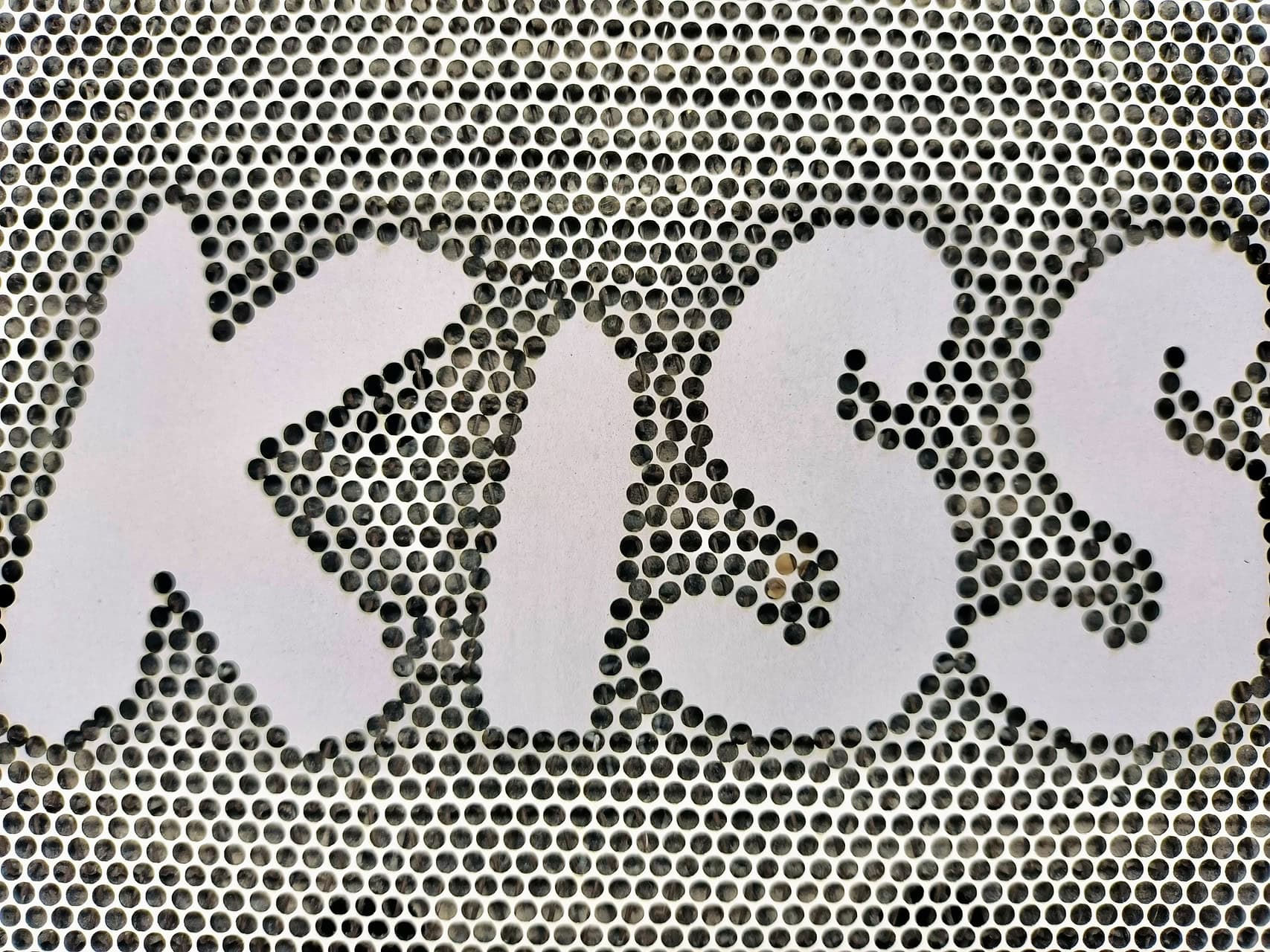
For a manager like John, the aesthetics are a means to an end. The end goal is profitability and market differentiation.
1. Unlocking High-Margin Customization
Traditional die-cutting requires a physical die for each design, costing hundreds of dollars. This makes custom designs for a single wedding unprofitable. Lasers use a digital file, eliminating this cost entirely. You can offer every client a unique design without any setup cost, transforming what was a mass-production liability into a custom-order profit center.
2. Unmatched Design Intricacy
A steel die has physical limitations. It cannot create the sharp internal corners or delicate, lace-like filigree that a laser beam can. This technical superiority allows you to produce designs that are physically impossible for your competitors who rely on older methods. This isn't just a selling point; it's a barrier to entry for others.
3. All-in-One Production: Cut, Score, and Engrave
A laser can do more than just cut. With a simple power adjustment, it can lightly engrave text or patterns, or create perfect score lines for folding—all in the same production run. This consolidates multiple processes into one, reducing machine time, labor, and potential for error when moving materials between different stations.
This combination of economic flexibility and superior quality is a powerful driver for ROI.
What are the different styles of laser-cut wedding invitations?
You understand the business case, but now you need to understand the product. You see a lot of different designs out there and wonder what the main categories are. You need to speak the language of the wedding industry to guide your design and sales teams toward the most popular and profitable styles.
The most popular styles leverage the laser's ability to create structure and layers. These include the "Gatefold," where two intricate panels open like doors to reveal the invitation; the "Pocket Fold," which features a laser-cut pocket to hold enclosure cards; and the "Belly Band," a delicate laser-cut sleeve that wraps around the invitation suite. Each style uses the laser cut to add a sense of dimension and a premium unboxing experience.
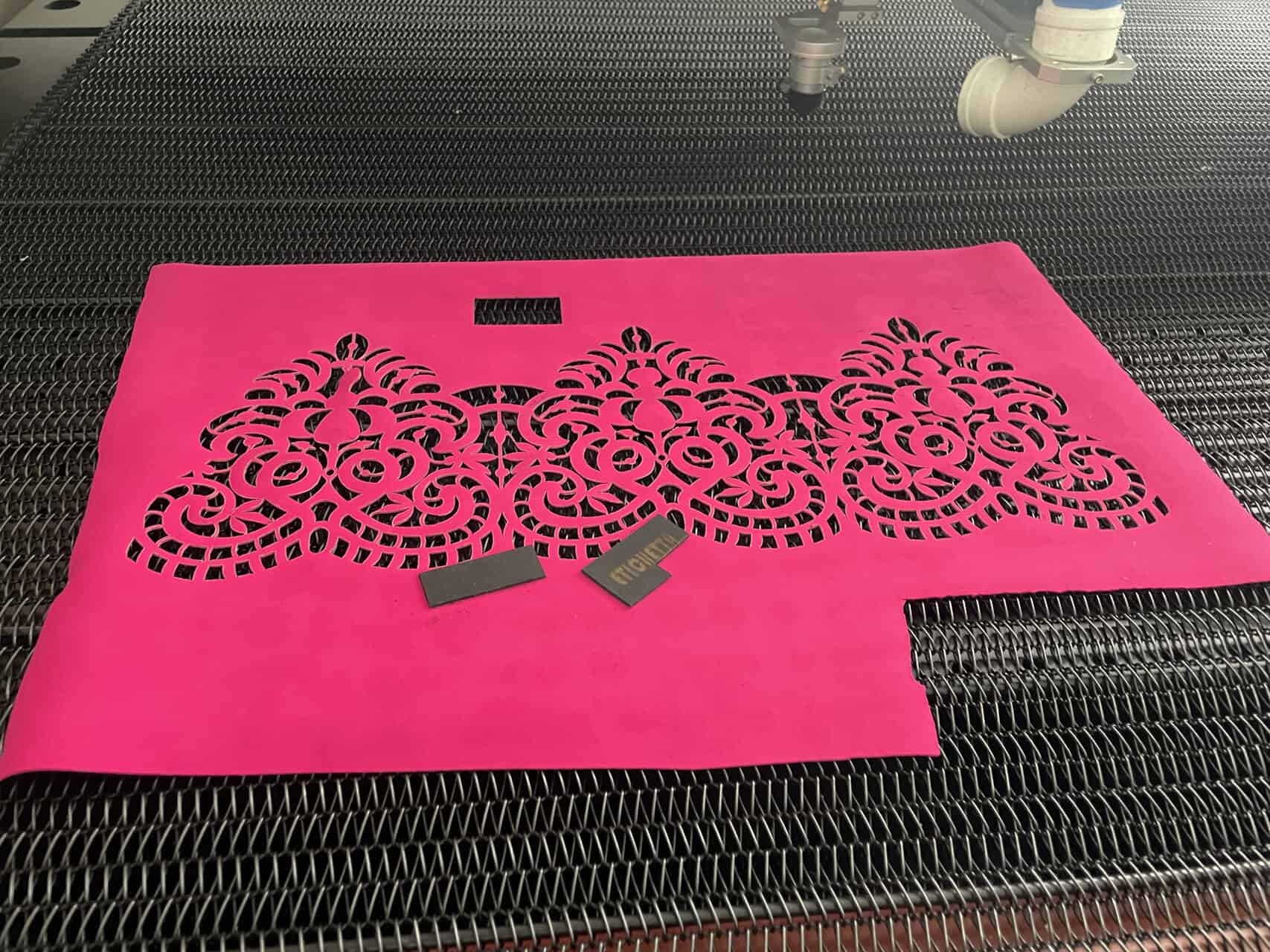
Each popular style has implications for production. Understanding them helps you plan your workflow.
1. The Gatefold
Two panels on the front of the invitation are laser-cut and meet in the middle.
- Production Focus: This is all about symmetry. The laser's precision ensures both "gates" are perfect mirror images. The main challenge is finding the perfect fold line so the gates meet exactly in the center without overlapping.
2. The Pocket Fold
A pocket, often with an intricate laser-cut edge, is cut and folded to hold the RSVP cards, direction cards, and other inserts.
- Production Focus: The key here is the combination of cutting and scoring. The laser must cut the detailed pattern and then apply a lower-power score line in the perfect position for a clean, crisp fold. Consistency is critical.
3. The Belly Band
This is a single strip of paper with a continuous laser-cut pattern that wraps around the entire invitation suite.
- Production Focus: These are delicate and require careful handling. The design must be "contiguous," with no loose, floating pieces. Thermal management is critical here, as any scorching is highly visible on the thin strip.
| Style | Main Feature | Key Production Challenge |
|---|---|---|
| Gatefold | Symmetrical opening doors | Achieving perfect symmetry and alignment |
| Pocket Fold | Integrated pocket for inserts | Consistency of cut and score for clean folding |
| Belly Band | Decorative wrap-around sleeve | Maintaining structural integrity and avoiding scorch marks |
How do you choose a paper-cutting CO2 laser machine?
You're convinced. You need to invest in the technology and, more importantly, the methodology. Now you face the procurement decision. With so many suppliers, how do you sort through the marketing claims and choose a machine that will be a reliable production asset, not a maintenance headache? You need a practical checklist.
Choosing the right machine for wedding invitations means prioritizing features that give you ultimate process control. Look for a machine with a high-quality, RF-pulsed CO2 laser source for superior heat management, a fast and responsive motion system for sharp details, and an effective air-assist to prevent scorching. Most importantly, vet the supplier for their expertise in paper applications and their ability to provide in-depth training and support.
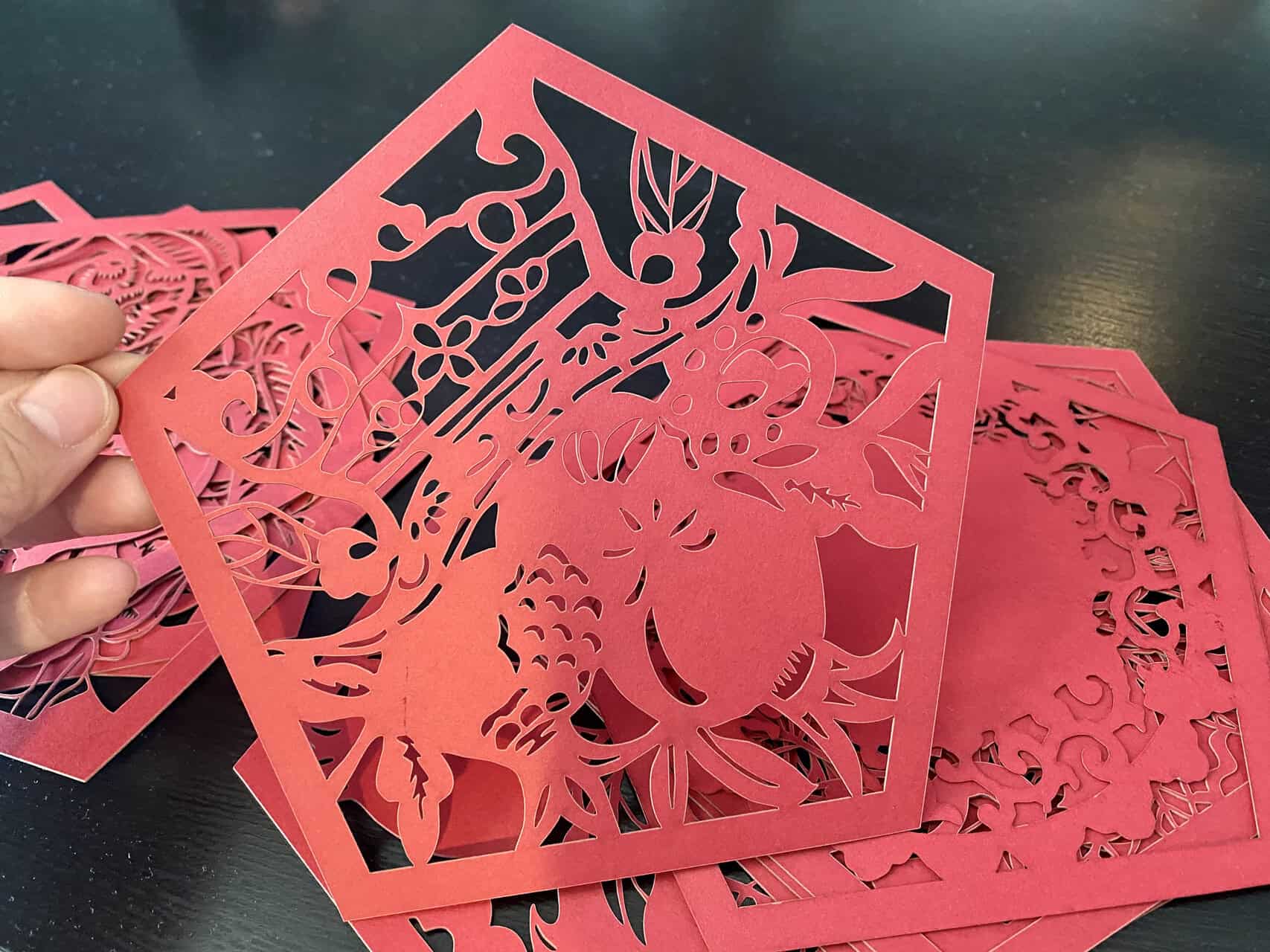
My 5 years at Redshift Laser have taught me that a successful purchase rests on these pillars.
1. The Laser Source: RF vs. Glass Tube
For the ultimate control needed for wedding invitations, an RF-pulsed laser is superior to a standard glass tube DC laser. An RF laser can be pulsed thousands of times per second, giving you extremely fine control over heat input. This is a critical tool in preventing thermal bleed and scorching on delicate papers. It is a more expensive component, but it is the right tool for this high-stakes job.
2. The Air Assist System
This feature is non-negotiable. An effective air assist directs a sharp, concentrated jet of compressed air directly at the point where the laser contacts the paper. This does two things: it blows away vaporized material before it can stain the surface, and, more importantly, it rapidly cools the edge of the cut to prevent scorching. Ask the supplier to demonstrate its effectiveness.
3. Software with Full Parameter Control
The machine's software must give you granular control over key settings. You need to be able to independently adjust power, speed, and pulse frequency (for RF lasers). The ability to save profiles for specific paper types is a huge workflow advantage, allowing you to build your "settings library" directly into the software.
4. Supplier Expertise
This is the final, crucial test. Does the supplier understand the difference between cutting plywood and cutting pearlized cardstock1? Ask them, "Show me how your machine prevents scorching on this specific paper." Their answer will tell you everything. A true partner, like we strive to be at Redshift Laser, won't just sell you a machine; they will teach you the process.
Conclusion
The art of laser-cut wedding invitations is a compelling illusion. To the client, it is about boundless creativity and elegance. But for the manufacturer, it is a science of rigorous process control. Success is not achieved by buying the most powerful laser, but by mastering it. It is achieved by methodically testing, documenting, and applying the precise thermal formula to turn delicate paper into a flawless product. By shifting your focus from the machine's specs to a mastery of the process, you can confidently enter this lucrative market and deliver the perfection it demands.
Of course, August. Here are 10 highly relevant FAQs based on your article about laser-cutting wedding invitations, along with the requested meta description. These questions are designed to anticipate and answer the specific concerns of a production professional like John, reinforcing the core message that process control, not just machine specs, is the key to success.
FAQs
Q1: My biggest fear is scorching the paper. How can I prevent it?
A: Scorching is prevented by mastering thermal management. This involves using a high-quality air-assist system to cool the cut edge, and more importantly, developing a "settings library" with the precise power, speed, and pulse frequency for each specific paper stock. The goal is to vaporize the paper instantly, not burn it.
Q2: What's the difference between an RF laser and a DC glass tube laser for this application?
A: An RF (Radio Frequency) laser source is superior for delicate paper because it can be pulsed thousands of times per second. This gives you much finer control over heat input, significantly reducing the risk of thermal bleed and scorching compared to a standard DC (Direct Current) glass tube.
Q3: Can I use one set of "good" settings for all my paper invitations?
A: No, and this is a critical mistake many make. Every paper stock reacts differently to the laser due to its thickness, density, coating, and fiber content. Using a single set of settings will produce inconsistent results. You must test and document the optimal settings for each paper you use.
Q4: How important is the "air assist" feature?
A: It is non-negotiable for professional-quality work. A strong, focused jet of air directed at the cut point does two crucial things: it blows away residue that can stain the paper and instantly cools the cut edge, which is your primary defense against burning and discoloration.
Q5: Is it possible to create fold lines (scoring) with the same laser?
A: Yes. By dramatically reducing the laser's power, you can perform a "kiss cut" or engrave a fine line onto the cardstock's surface. This creates a perfect, crisp fold line without cutting all the way through, allowing you to cut, score, and engrave in a single, efficient process.
Q6: We use a lot of pearlized and metallic papers. Are they harder to cut cleanly?
A: Yes, they are more challenging. The coatings on these papers react to heat differently than the base paper fibers, making them more susceptible to discoloration. They require even more precise thermal control and are a perfect example of why having a tested settings library is essential for success.
Q7: How do I justify the higher cost of an RF laser to my superiors?
A: The justification is lower waste and higher quality, which directly impacts profitability in the high-stakes wedding market. An RF laser's superior control means a drastically lower reject rate, especially on expensive specialty papers. The premium for the machine is an investment in consistency and brand reputation.
Q8: What should I look for in the machine's software?
A: The software must provide you with granular control over all key parameters: power, speed, and pulse frequency. It should also allow you to save these settings into named profiles (e.g., "Ivory Pearl Cardstock 110lb"). This feature digitizes your settings library and makes it easy for any operator to achieve perfect, repeatable results.
Q9: What is the single most important question to ask a potential supplier?
A: Ask them: "Can you demonstrate how your machine prevents scorching on this specific, delicate paper sample I provide?" Their ability to dial in the settings and produce a clean cut on the spot will reveal more about their expertise and the machine's capability than any sales brochure.
Q10: Beyond the machine, what is the most valuable asset for this business?
A: Your proprietary library of tested laser settings. This knowledge base, built through meticulous testing on different paper types, is what separates amateurs from professionals. It is your company's core intellectual property for guaranteeing flawless quality and is more valuable than the machine itself.
Relate
-
Understanding the nuances of cutting pearlized cardstock is essential for achieving high-quality results without damage. ↩