Skip to content

Starting a laser engraving business excites you. But mistakes like focusing only on the machine cost time and money. I’ve got tips to set you up right.
To start a laser engraving business, prioritize best-selling products, streamline workflows, and choose cost-effective equipment. Efficient systems cut touch-time, boosting profits by up to 30%.
Many beginners buy fancy lasers and struggle. Efficiency drives profits, not just hardware. Keep reading to learn how to build a thriving engraving business.
Tip 1: How to Prioritize Best-Selling Laser Engraving Products?
New entrepreneurs often guess what sells. Picking the wrong products wastes time and inventory. Focus on demand to win.
Prioritize high-demand laser engraving products like personalized gifts, signage, and industrial parts. Items like custom tumblers and nameplates sell fast, offering 40% profit margins.
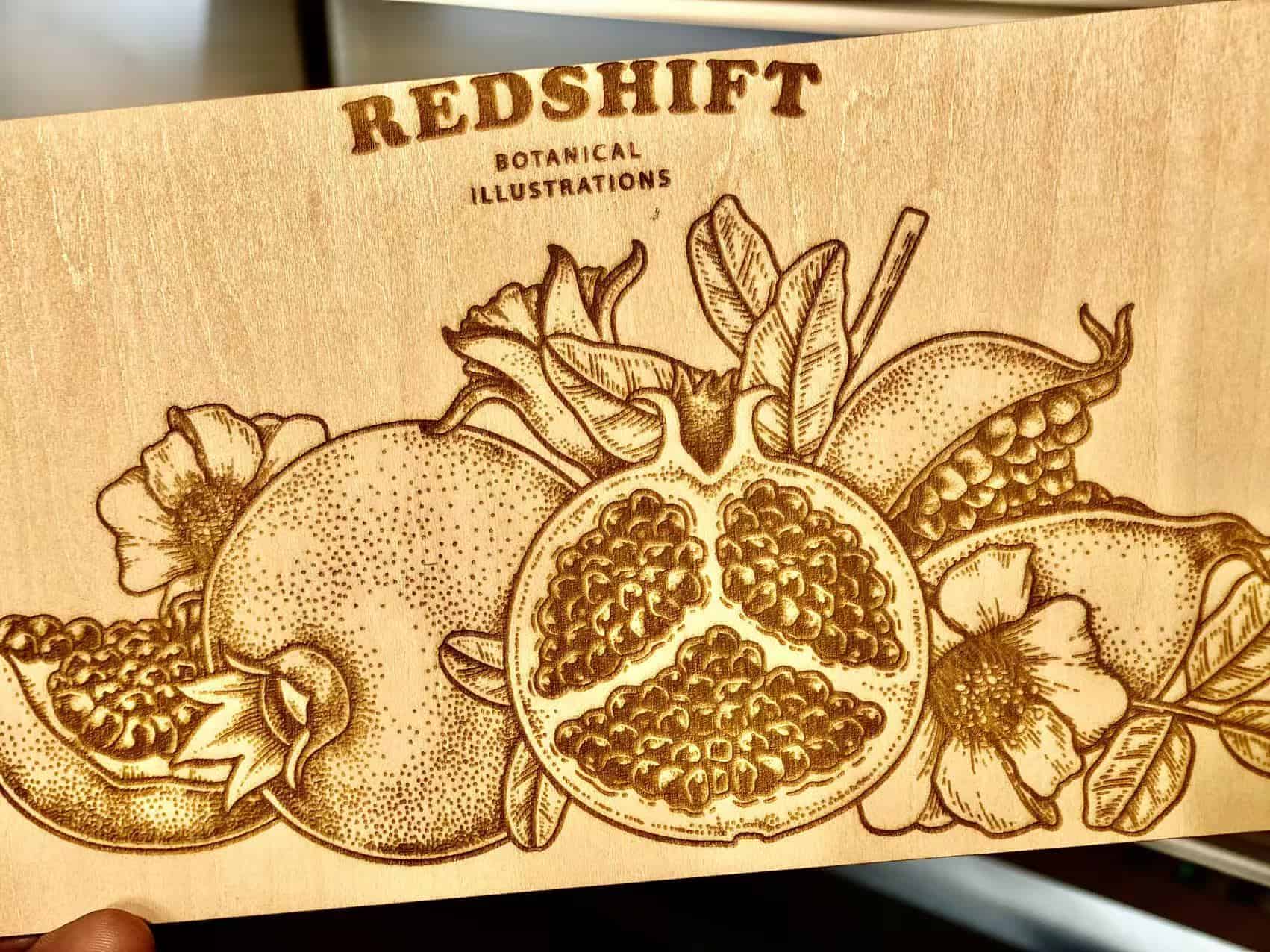
At Redshift Laser, I saw a client focus on custom keychains. They sold out weekly. Researching trends saved them from slow-moving inventory.
Start with market research. Check Etsy or Amazon for top sellers like engraved tumblers or pet tags. These have steady demand.
High-Demand Items
Personalized gifts, like mugs or jewelry, fetch high margins. Industrial parts, like machine labels, ensure repeat orders.
Local Needs
Talk to local businesses. Restaurants need engraved menus; factories need part markings. Tailor offerings to their needs.
| Product | Demand Level | Profit Margin | Production Time |
|---|---|---|---|
| Tumblers | High | 40% | 5 min/unit |
| Nameplates | Medium | 35% | 3 min/unit |
| Keychains | High | 30% | 2 min/unit |
| Signage | Medium | 25% | 4 min/unit |
This table shows top picks. I helped a client focus on tumblers. Their sales doubled in three months.
Avoid niche products early. Test markets first. John, our purchasing manager, sources materials for high-demand items to keep costs low.
Focus on what sells. It’s the foundation of your business.
Tip 2: What Do You Really Need to Start?
Beginners overbuy equipment. Expensive tools sit unused. Knowing essentials saves money and space.
To start, you need a CO2 laser (40-60W), a computer with design software, materials like wood or acrylic, and a workspace with ventilation. Start small to scale smart.
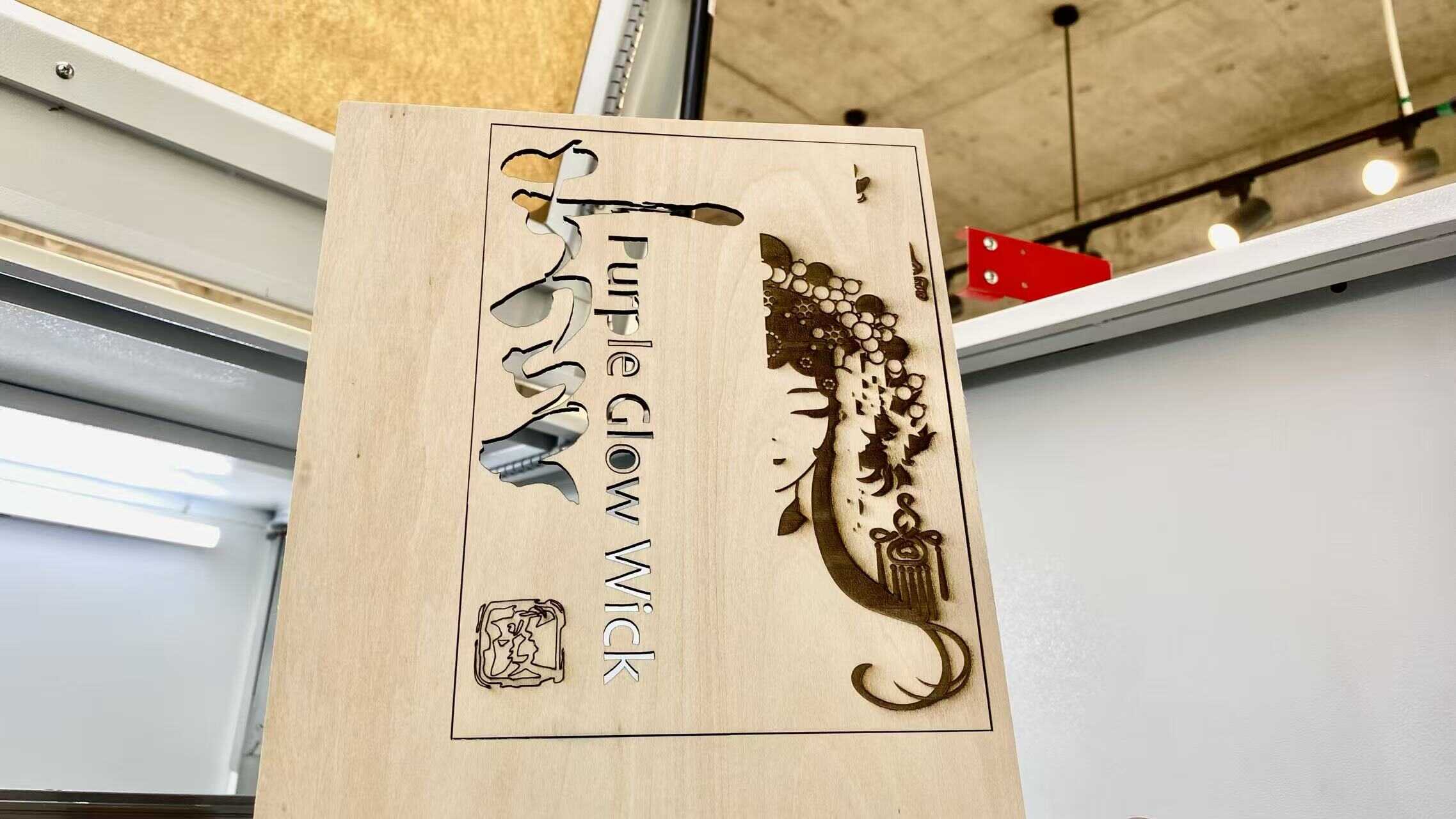
I advised a startup buying a 100W laser. They didn’t need it. A 40W machine handled their orders, saving $5,000.
A CO2 laser (40W) costs $2,000-$4,000 and engraves wood, acrylic, and leather. Software like LightBurn runs designs. A ventilated 10x10ft space works.
Core Equipment
Get a laser with a 600x400mm bed. Add exhaust fans for fumes. A laptop with 8GB RAM runs software smoothly.
Material Basics
Start with affordable materials like plywood or acrylic sheets. Source from local suppliers for deals.
| Item | Purpose | Cost Estimate |
|---|---|---|
| CO2 Laser | Engraving | $2,000-$4,000 |
| Software | Design | $100-$200 |
| Materials | Inventory | $500 startup |
| Ventilation | Safety | $300-$500 |
This table lists essentials. I’ve seen startups launch with $3,000 budgets. Efficiency matters more than gear.
For John, reliable suppliers provide quality materials. He avoids overstocking.
Start lean. Add tools as orders grow.
Tip 3: How to Save Costs When Starting?
High startup costs scare new owners. Overspending on machines or materials kills budgets. Smart choices cut expenses.
Save costs by buying a used 40W laser, sourcing bulk materials locally, using free software, and streamlining workflows to reduce labor and waste by 20%.
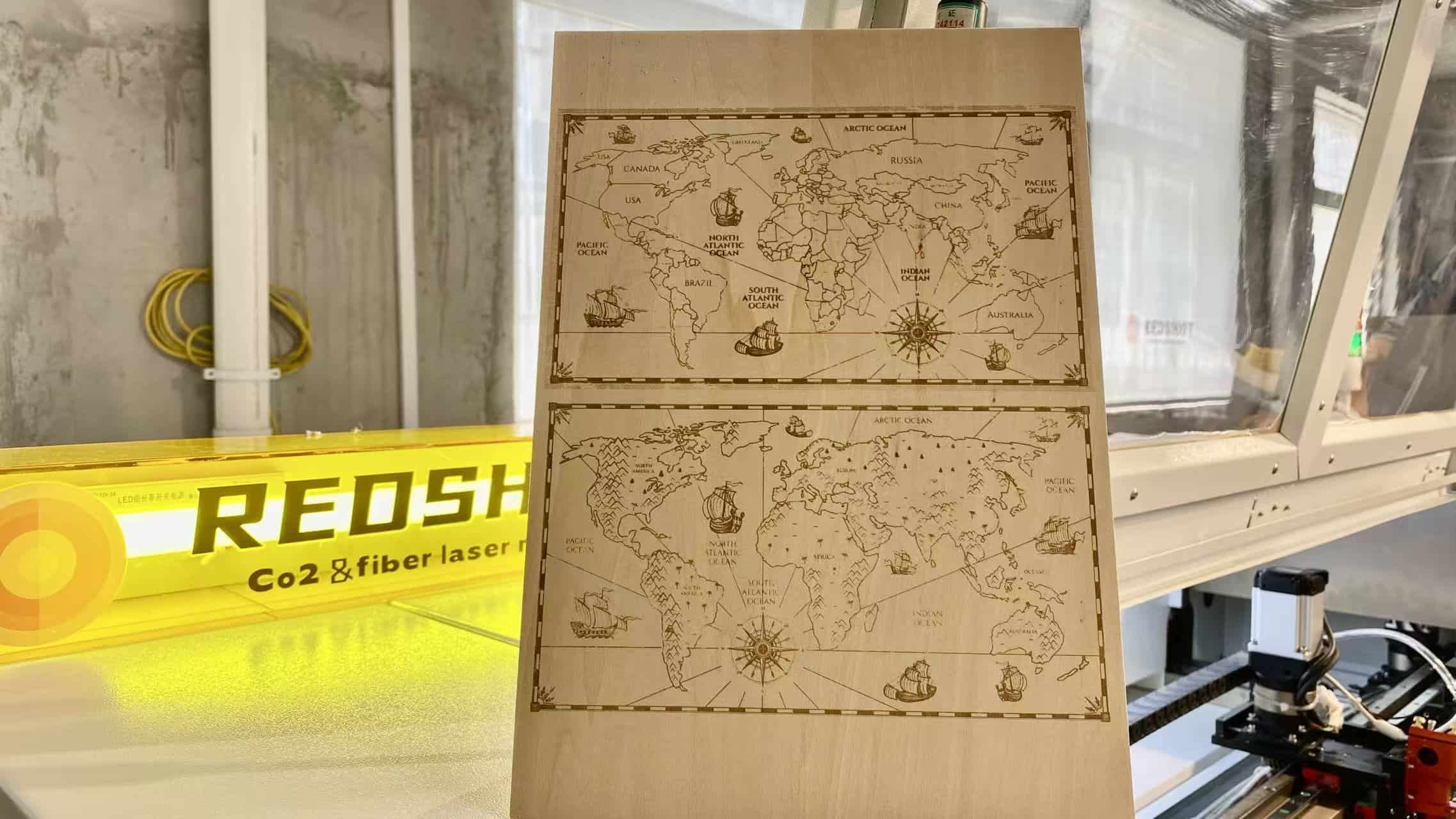
A client I worked with bought a $10,000 laser. They struggled with debt. A used 40W machine would’ve saved them $7,000.
Buy used lasers from reputable sellers. Check eBay or local auctions for deals. Bulk-buy wood or acrylic to save 15%.
Software and Workflow
Use free software like Inkscape initially. Design jigs to align materials fast, cutting labor time by 20%.
Energy and Maintenance
Low-wattage lasers use 1kW, saving $200/year on power. Clean lenses monthly to avoid repairs.
| Cost Area | Saving Tip | Impact |
|---|---|---|
| Equipment | Buy used 40W | Save $5,000-$7,000 |
| Materials | Bulk local buy | 15% cheaper |
| Software | Free options | Save $100-$200 |
| Workflow | Use jigs | 20% less labor |
This table shows savings. A startup I helped cut costs by 25% with jigs. Their profits soared.
John sources materials locally, reducing shipping costs. He trusts used equipment from vetted suppliers.
Cut costs early. It fuels growth.
Tip 4: How to Boost Return on Investment?
Slow workflows kill profits. Focusing only on engraving speed misses bigger gains. Efficiency is key.
Boost ROI by streamlining workflows with jigs, targeting high-margin products, and automating designs. This cuts touch-time by 30%, increasing profits within six months.
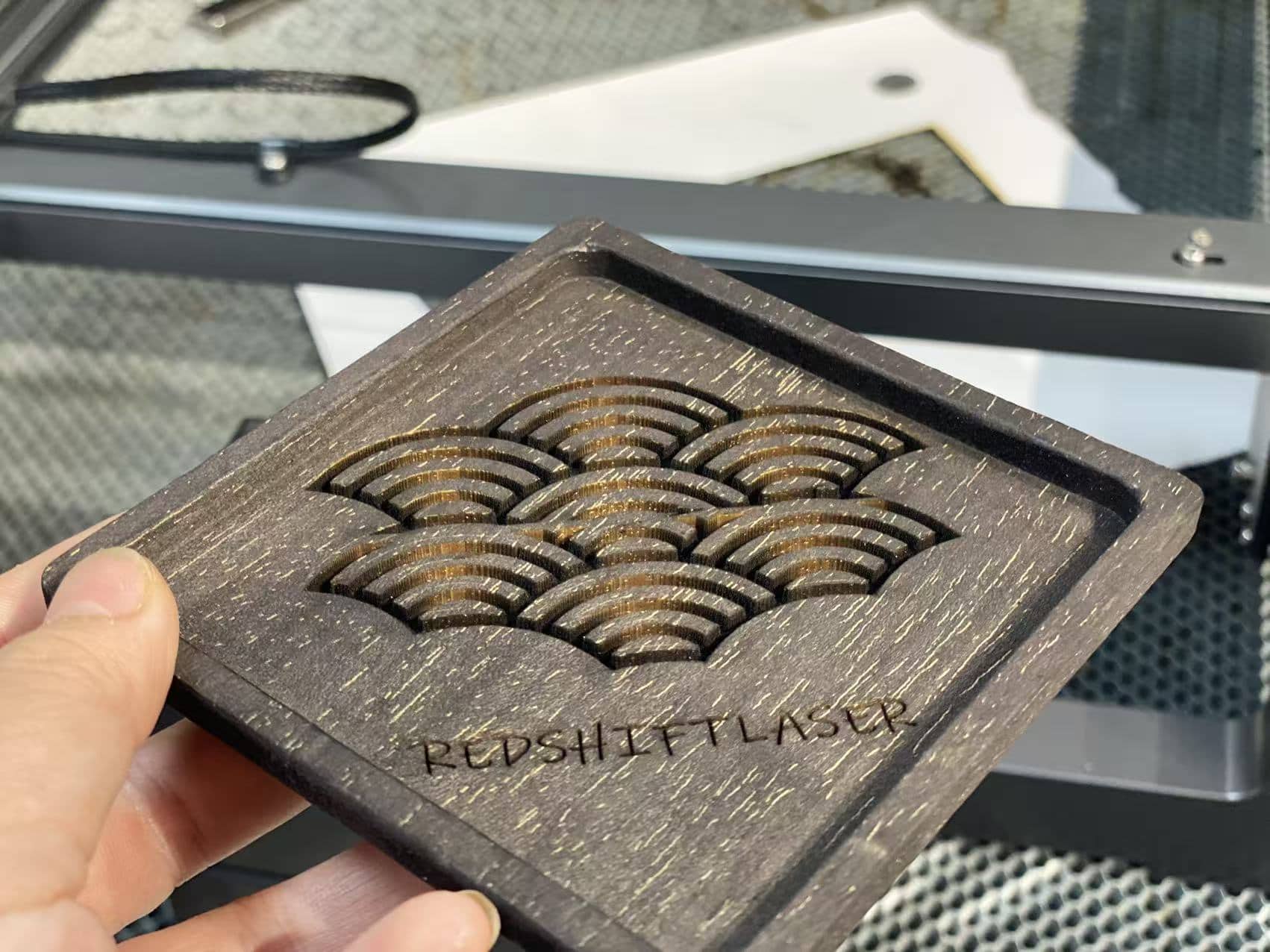
My insight from the production floor: the laser isn’t the bottleneck. Pre-press, alignment, and packaging eat time. I helped a client use jigs. Their output tripled.
Jigs align materials in seconds. A $50 jig for tumblers saves 2 minutes per unit. High-margin items like engraved glassware yield 40%.
Automation and Scaling
Automate designs with templates in LightBurn. It cuts setup by 50%. Scale by taking bulk orders from local businesses.
| Strategy | Benefit | Impact |
|---|---|---|
| Jigs | Fast alignment | 30% less touch-time |
| High-Margin Items | Better profits | 40% margins |
| Automation | Quick setup | 50% faster designs |
| Bulk Orders | Steady income | 20% more revenue |
This table shows ROI boosts. A client’s $2,000 laser paid off in five months with jigs.
John prioritizes suppliers offering bulk discounts. It supports scaling.
Streamline and target smart. ROI will climb fast.
Tip 5: How to Choose the Right Laser Engraver?
Picking the wrong laser wastes money. Specs overwhelm. The right choice matches your needs.
Choose a 40-60W CO2 laser with a 600x400mm bed, auto-focus, and HEPA ventilation. The Redshift RL-600 is reliable for startups, handling wood and acrylic.
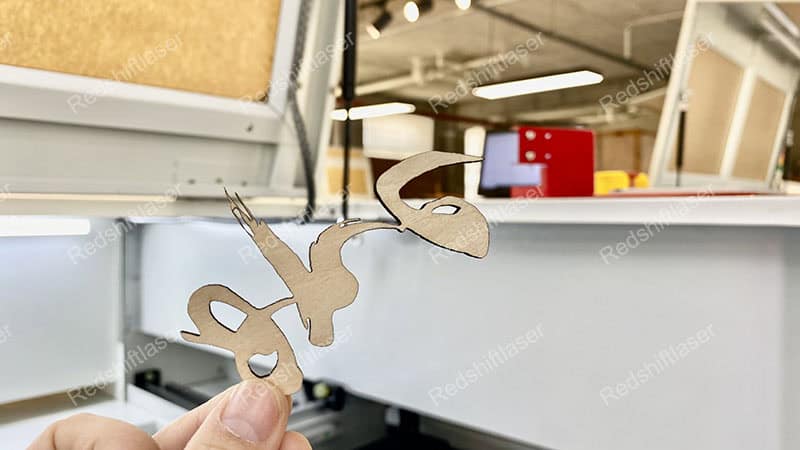
John needed a laser for a client’s signage business. We picked the RL-600. It handled 3mm acrylic perfectly, saving time.
A 40W laser suits beginners, cutting 1-5mm materials. Auto-focus speeds setup. HEPA filters ensure safety. The RL-600 costs $3,000, with a 2-year warranty.
Key Features
A 600x400mm bed fits most jobs. RDWorks software is user-friendly. Check for local support to avoid downtime.
| Feature | RL-600 Spec | Why It Matters |
|---|---|---|
| Power | 40-60W | Cuts 1-5mm materials |
| Bed Size | 600x400mm | Fits standard jobs |
| Auto-Focus1 | Fast setup | Saves 10 min/job |
| Ventilation | HEPA filter2 | Safe air |
| Warranty | 2 Years | Reliable support |
This table sums it up. The RL-600 cuts wood at 50m/min. Clients recoup costs in 8 months.
We offer demos. Test materials first. Our US and China teams handle setup.
For John, the RL-600 ensures quality and cost balance. Ethical parts add trust.
Pick the RL-600 for a solid start.
Conclusion
Starting a laser engraving business needs focus on products, efficiency, and smart equipment. Streamline workflows and choose the right laser to maximize profits fast.